NeedAITool — AI Tools Directory
Canva logo
2026 Procurement Guide

Top 6 Best Canva Alternatives & Competitors in 2026

Canva revolutionized casual graphic design, but recent enterprise price hikes, seat-license bloat, and generic AI output templates have led professional designers to seek Figma AI and dedicated vector engines.

Verified Technical BenchmarksUpdated September 2026Category: design AI

2026 Decision Framework: Should You Switch from Canva?

Factual procurement guidance based on verified technical trade-offs and pricing models.

Stay with Canva if:

Stay with Canva Pro if your non-design staff relies on thousands of pre-made templates for rapid social media graphics, slide decks, and print flyers.

Switch to an alternative if:

Switch to Figma for responsive UI/UX product design, or dedicated generative tools like Recraft and Adobe Firefly for precise SVG and brand asset generation.

Enterprise & Teams Path

Consolidate design operations on Figma to bridge the gap between marketing graphics and engineering design systems with granular team permissions.

Solo & Freelance Path

Use free open-source tools or lightweight alternatives like Pixelied and Visme to create marketing banners without recurring $120+/year per-seat Canva fees.

Feature & Specification Comparison Matrix

Side-by-side technical capabilities, licensing, and pricing models.

Scroll horizontally for full matrix →
Specification / Tool
CanvaCurrent
4.8 / 5.0
4.6 / 5.0
4.8 / 5.0
4.7 / 5.0
4.9 / 5.0
4.9 / 5.0
4.8 / 5.0
Pricing Modelfreemium

Basic AI features with limited uses

freemium

25 monthly generative credits

paid

No free tier

freemium

Unlimited background removals

freemium

Basic design tools

freemium

Free for personal use

freemium

Free starter plan

Free Tier Available Yes Yes No Yes Yes Yes Yes
Developer API Access No Yes No Yes No No Yes
Open Source / Self-Hostable No No No No No No No
Works Offline / Local No No No No No No No
No Signup Required No No No Yes No No No
Multimodal Support Yes No No No No Yes Yes
Code Execution No No No No No No No
Supported Platformsweb, ios, android, desktopweb, desktopweb, apiios, android, web, apiweb, desktopwebweb
ActionView Profile View Profile View Profile View Profile View Profile View Profile View Profile

In-Depth Alternatives Breakdown

Ranked analysis of each replacement option, key strengths, limitations, and direct comparisons.

#1
Adobe Firefly Verifiedfreemium

Ethical AI generation built into Creative Cloud

4.6 / 5.0
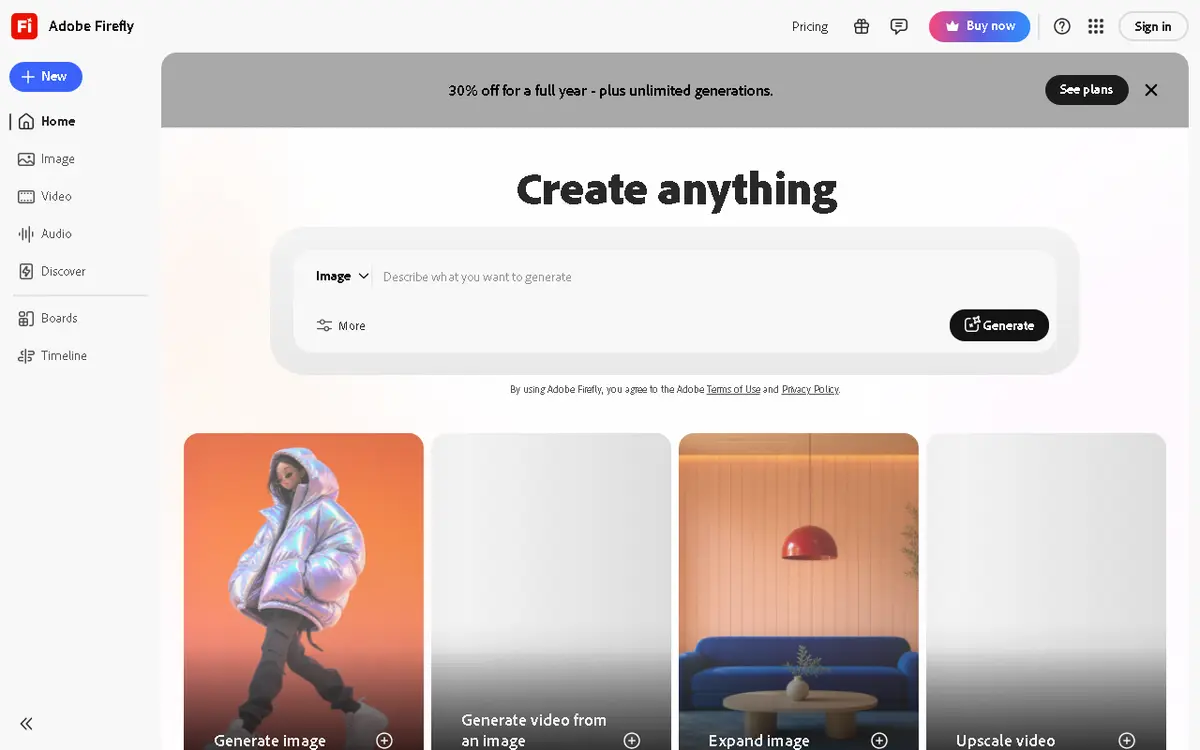
Adobe Firefly interface screenshot

Adobe's family of creative generative AI models designed to be safe for commercial use. It powers Generative Fill and Generative Expand in Photoshop.

Why Choose Adobe Firefly
  • Commercially safe
  • Seamless Photoshop integration
  • High-quality editing
Considerations & Limitations
  • Less 'creative' than Midjourney
  • Credit system is restrictive
#2
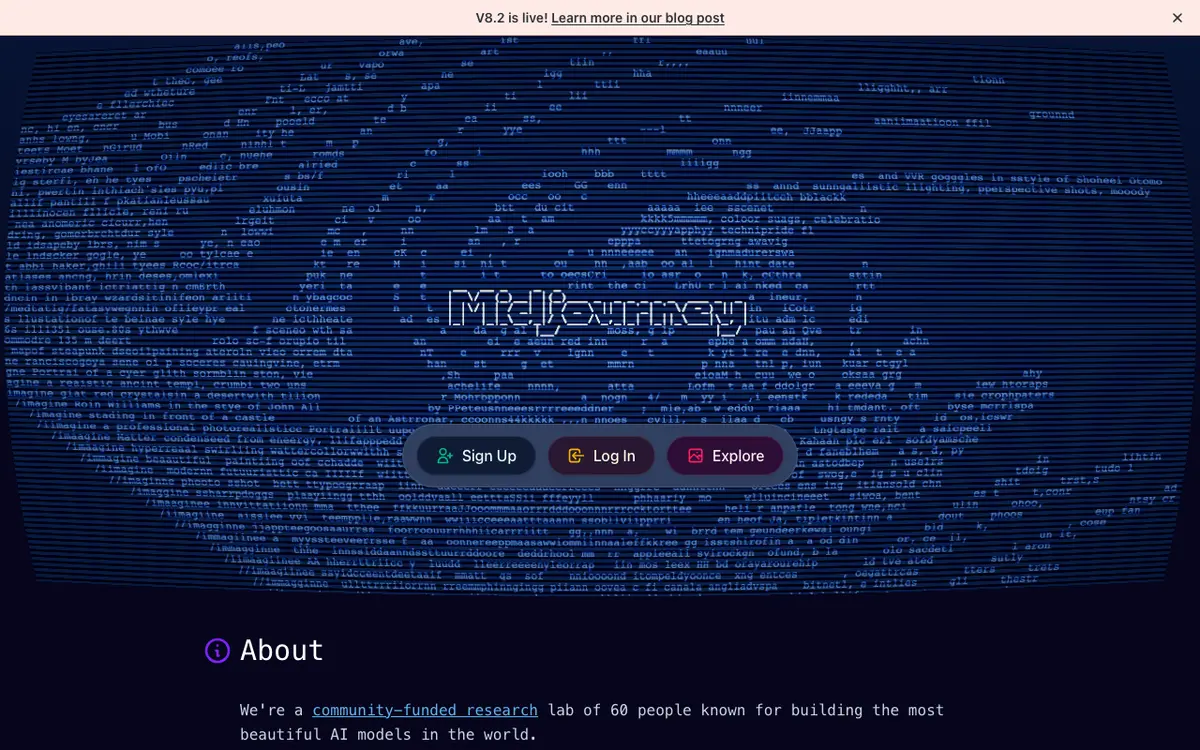
Midjourney Verifiedpaid

The gold standard for AI art generation

4.8 / 5.0
Midjourney interface screenshot

A premier AI image generator known for high-artistic quality, hyper-realism, and stunning visual aesthetics.

Why Choose Midjourney
  • Best aesthetic quality in image AI
  • Active community and styles
  • Consistent and reliable output
Considerations & Limitations
  • No free tier
  • No public API
  • Requires learning prompt craft
#3
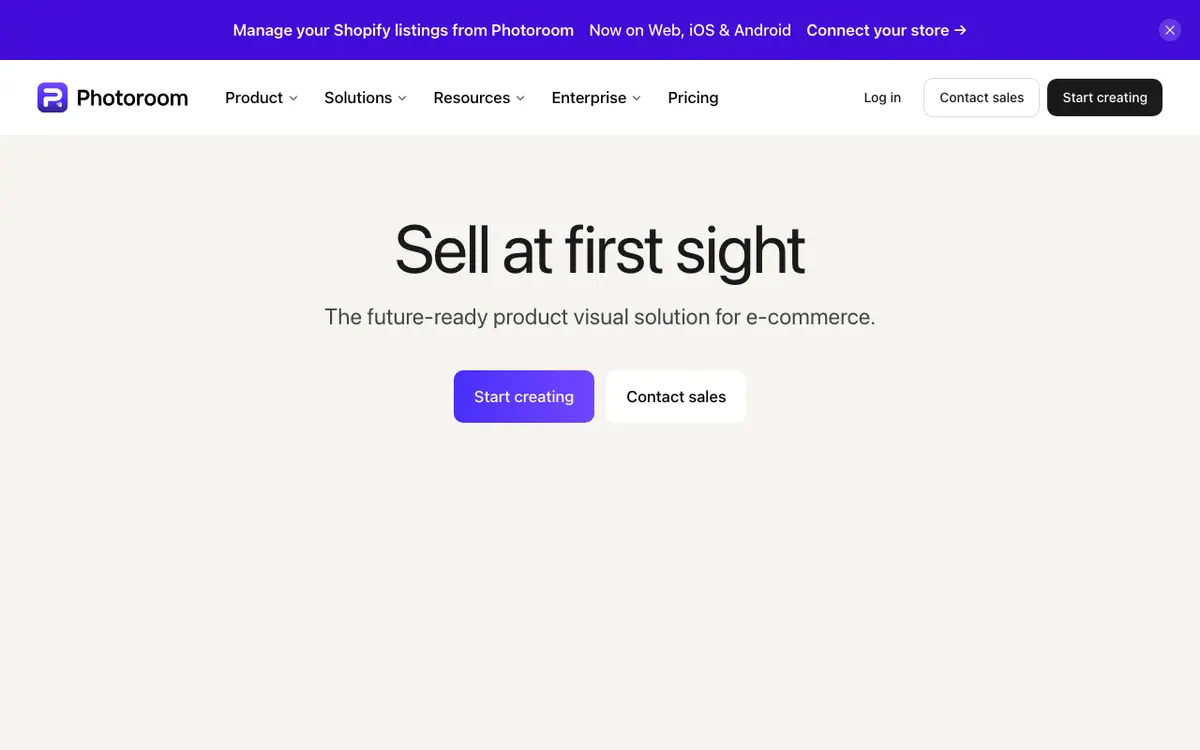
Photoroom Verifiedfreemium

Professional product photography in seconds

4.7 / 5.0
Photoroom interface screenshot

An AI photo editor specifically designed for e-commerce and product listings. It removes backgrounds and generates high-quality studio environments.

Why Choose Photoroom
  • Best-in-class background removal
  • E-commerce focused
  • Fast mobile app
Considerations & Limitations
  • Limited creative tools
  • Subscription for high-res
#4
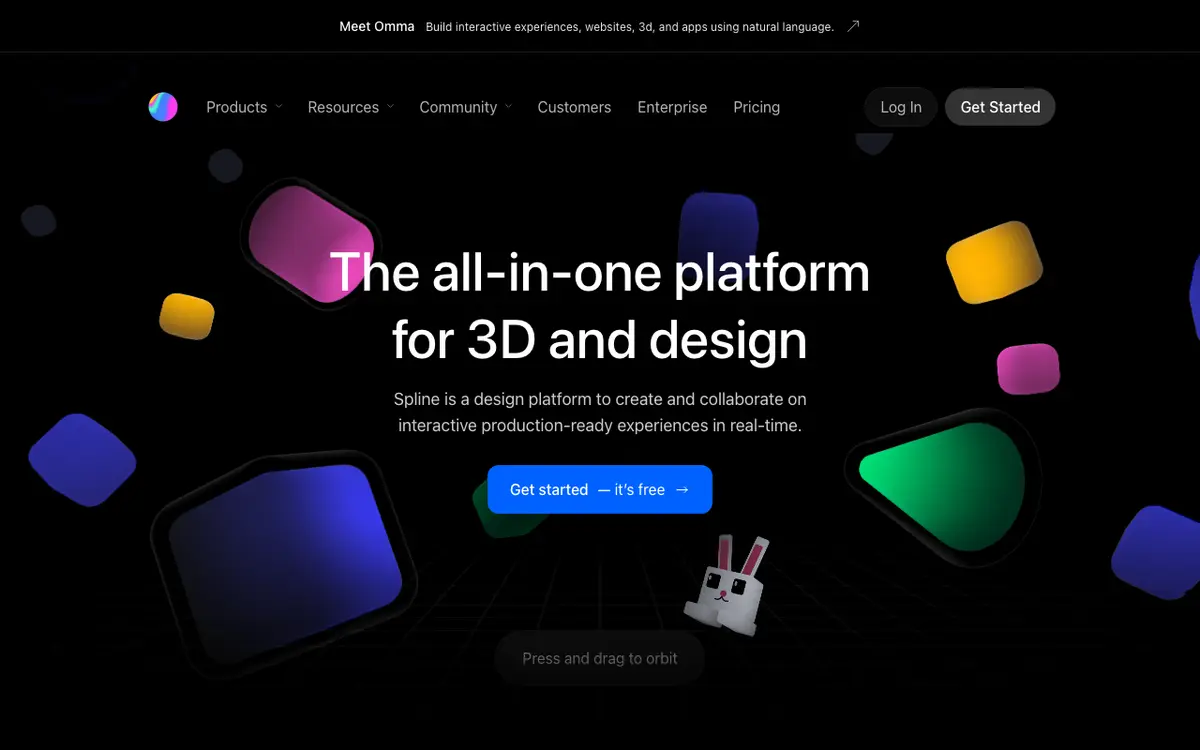
Spline AI Verifiedfreemium

Design 3D worlds with text

4.9 / 5.0
Spline AI interface screenshot

A generative 3D tool that allows users to create 3D objects, animations, and textures using natural language.

Why Choose Spline AI
  • Unmatched 3D ease-of-use
  • Collaborative
  • Interactive web exports
Considerations & Limitations
  • Steep learning curve for non-designers
  • AI is still in beta
#5
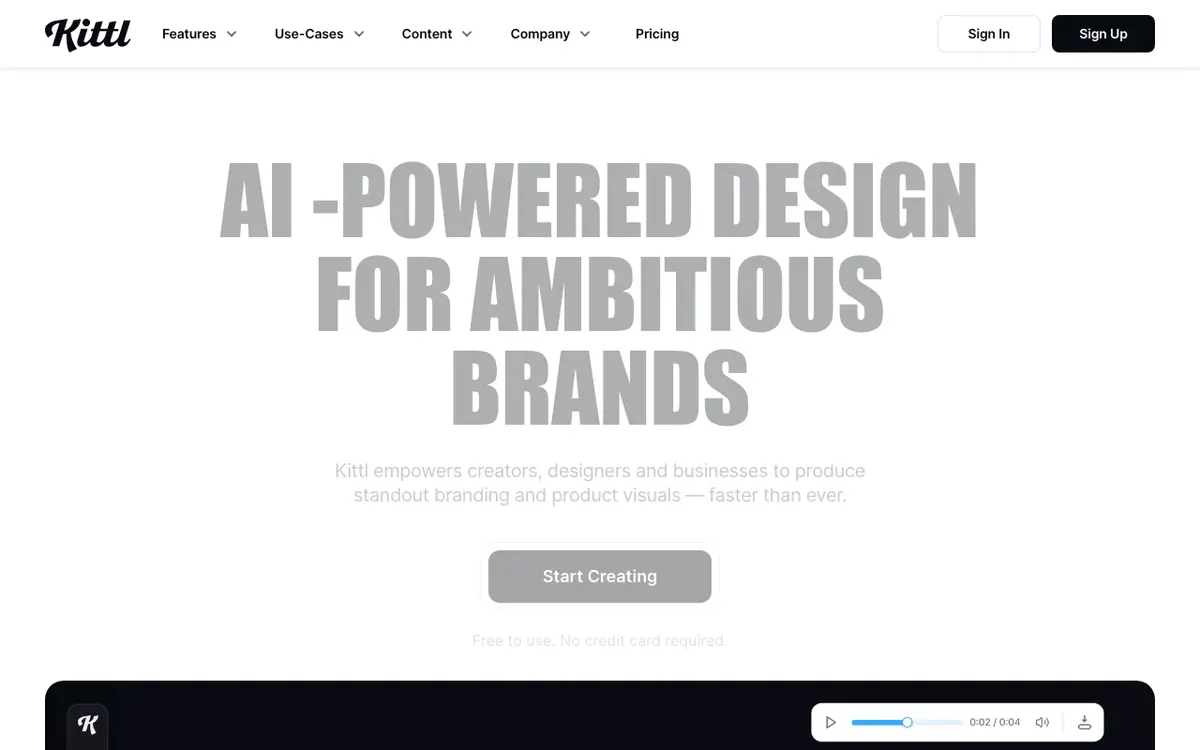
Kittl Verifiedfreemium

AI-powered design for everyone

4.9 / 5.0
Kittl interface screenshot

A sophisticated design platform that uses AI to generate vectors, textures, and illustrations for merchandise and branding.

Why Choose Kittl
  • Best typography tools
  • Uniquely high-quality vectors
  • Great for print-on-demand
Considerations & Limitations
  • Learning curve for tools
  • Limited free exports
#6
Webflow AI Verifiedfreemium

Professional website development with AI

4.8 / 5.0
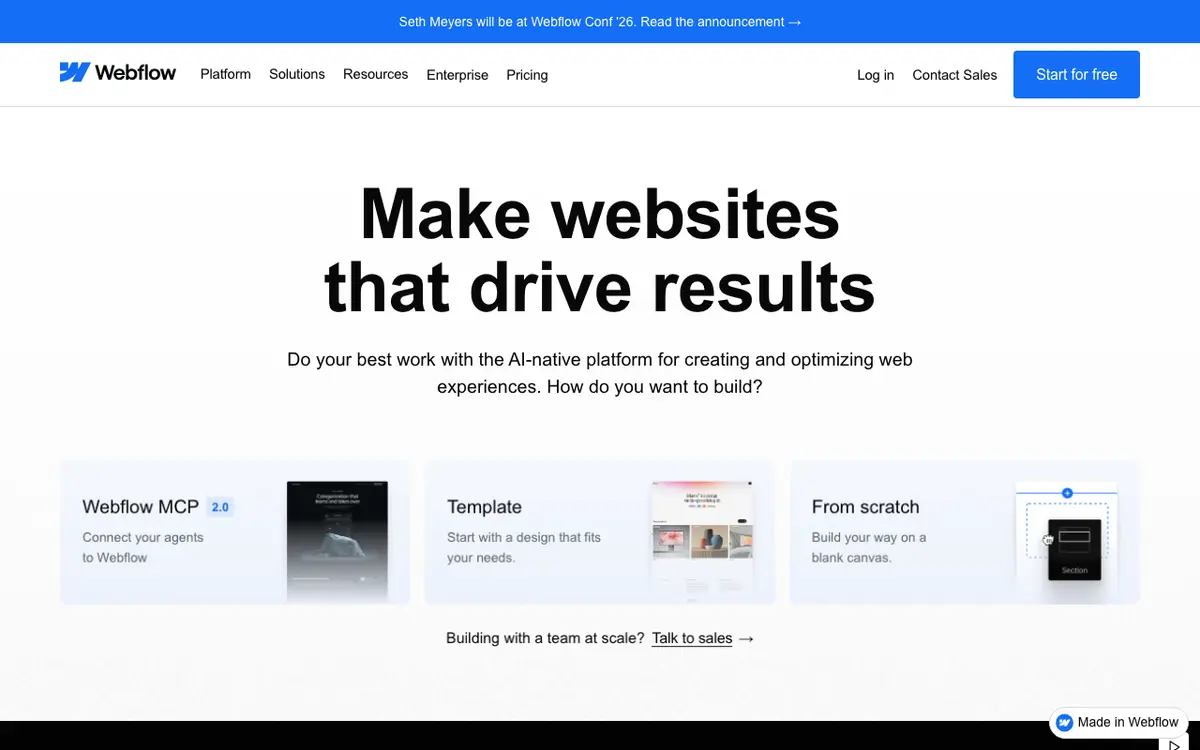
Webflow AI interface screenshot

Integration of generative AI into the Webflow ecosystem to help with layout generation, content creation, and CSS styling.

Why Choose Webflow AI
  • Professional code export
  • Powerful CMS
  • Complete design control
Considerations & Limitations
  • Steepest learning curve
  • Pricey for freelancers

Frequently Asked Questions

Common technical and pricing questions when switching from Canva.

Why are teams looking for Canva alternatives in 2026?

Recent price increases across Canva Teams, combined with frustration over generic AI templates and limited vector editing capabilities, have driven teams to explore alternatives.

Is Figma better than Canva?

Figma is significantly superior for UI/UX, product design, vector precision, and developer handoff, while Canva remains more accessible for casual social media templates.

What AI tool generates clean SVG vectors?

Recraft V3 and Adobe Illustrator AI are the leading platforms for generating true vector graphics (SVG) with editable anchor points and clean paths.

Related Technical Guides & Showdowns

Explore More design AI Tools

Browse our complete verified directory of 7,900+ tools.