NeedAITool — AI Tools Directory
ChatPRD logo
2026 Procurement Guide

Top 7 Best ChatPRD Alternatives & Competitors in 2026

A technical evaluation of the top 7 software tools matching the core capabilities of ChatPRD. Compare side-by-side specifications, pricing models, and trade-offs.

Verified Technical BenchmarksUpdated September 2026Category: productivity AI

Feature & Specification Comparison Matrix

Side-by-side technical capabilities, licensing, and pricing models.

Scroll horizontally for full matrix →
Specification / Tool
ChatPRDCurrent
4.9 / 5.0
4.5 / 5.0
4.4 / 5.0
4.3 / 5.0
4.4 / 5.0
4.8 / 5.0
4.9 / 5.0
4.9 / 5.0
Pricing Modelfreemium

Free starter tier includes basic PRD generation and standard templates.

freemium

A few free AI responses included

freemium

Basic agents and tasks

freemium

Limited AI features

freemium

Limited AI blocks per month

freemiumfree

100% free open-access repository for searching, copying, and contributing .cursorrules.

freemium

Free for personal use

Free Tier Available Yes Yes Yes Yes Yes Yes Yes Yes
Developer API Access No Yes No Yes Yes Yes No Yes
Open Source / Self-Hostable No No No No No No Yes No
Works Offline / Local No Yes No No No No No Yes
No Signup Required No No No No No No Yes No
Multimodal Support No No No No No No No Yes
Code Execution No No No No No No No Yes
Supported PlatformsWeb, Cloudweb, desktop, ios, androidweb, ios, android, desktopweb, ios, android, desktopweb, desktopweb, apiWeb, Cursor IDE, VS Codedesktop, ios
ActionView Profile View Profile View Profile View Profile View Profile View Profile View Profile View Profile

In-Depth Alternatives Breakdown

Ranked analysis of each replacement option, key strengths, limitations, and direct comparisons.

#1
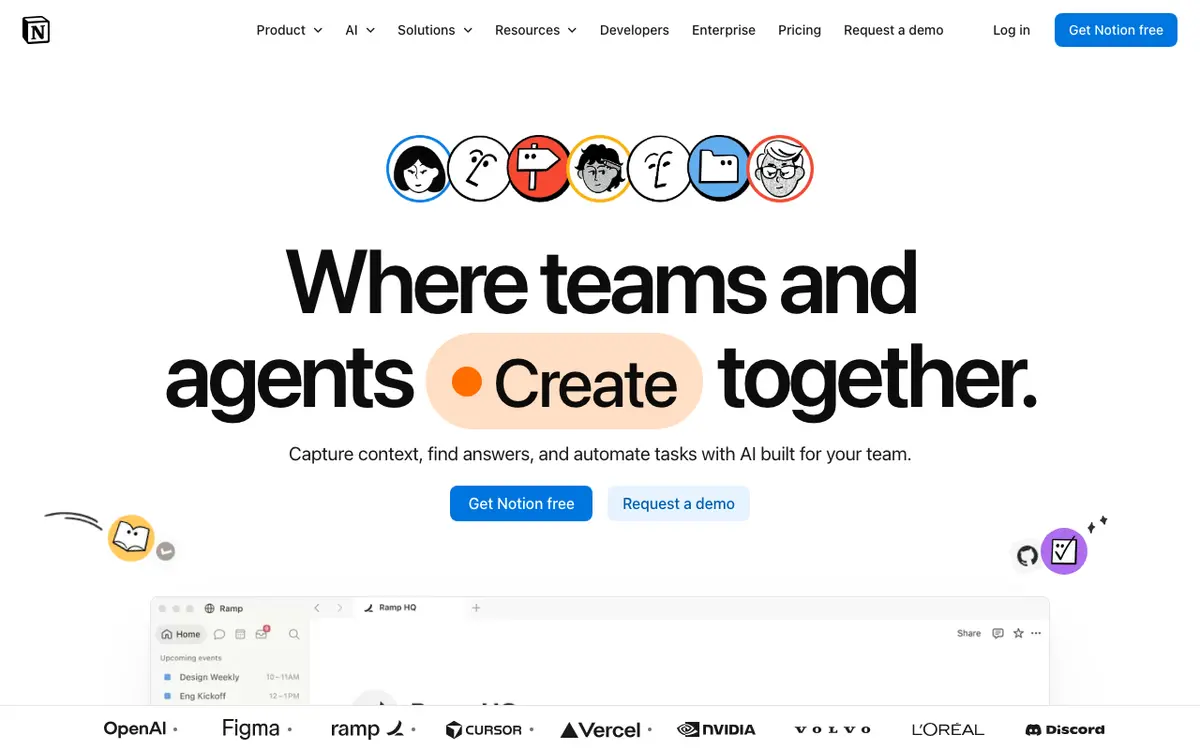
Notion AI Verifiedfreemium

Your personal assistant within your workspace

4.5 / 5.0
Notion AI interface screenshot

AI integrated directly into Notion to help summarize notes, write drafts, fix grammar, and search across your entire workspace.

Why Choose Notion AI
  • Seamless workflow
  • Excellent summarization
  • Great for project management
Considerations & Limitations
  • Separate paid add-on
  • Limited to text tasks
#3
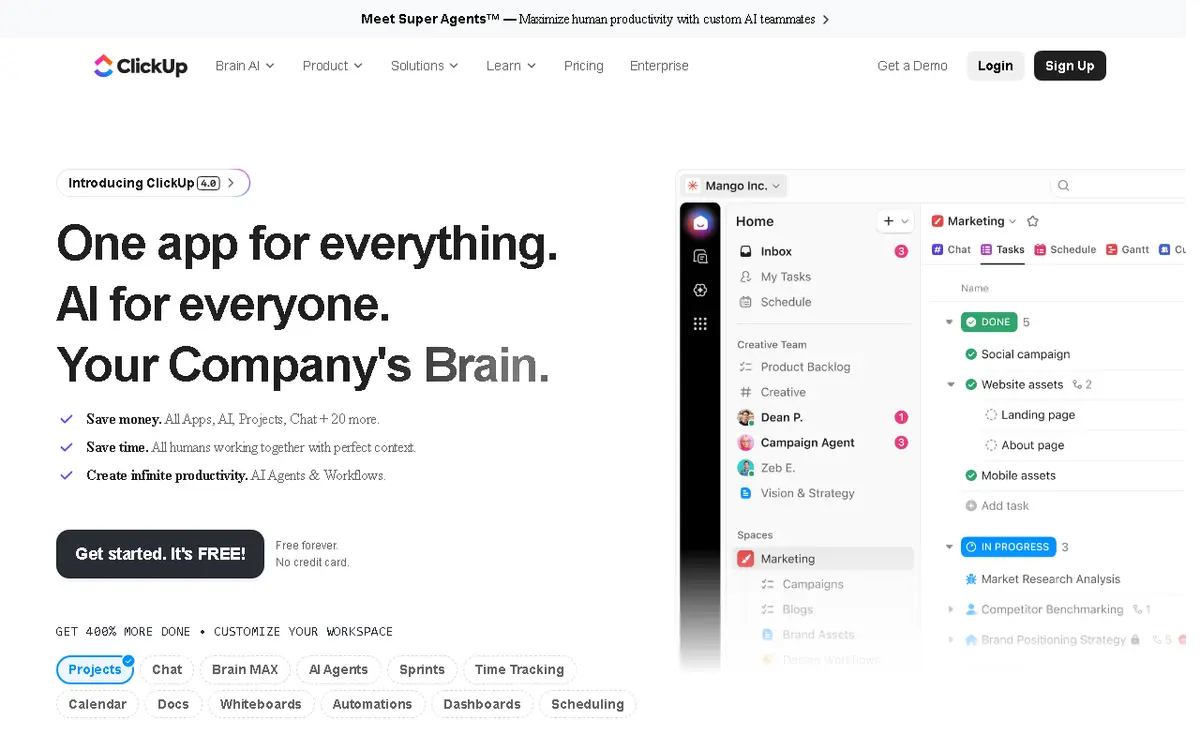
ClickUp AI Verifiedfreemium

AI marketing project assistant

4.3 / 5.0
ClickUp AI interface screenshot

Integrated AI assistant within ClickUp that helps marketing teams automate task management, generate content, and analyze project data. It can draft emails, summarize meetings, and create marketing briefs. The AI is context-aware and learns from your workspace data.

Why Choose ClickUp AI
  • Integrated with project management
  • Context-aware AI
  • Multiple platform support
Considerations & Limitations
  • AI credits limited on free plan
  • Can be overwhelming for new users
#4
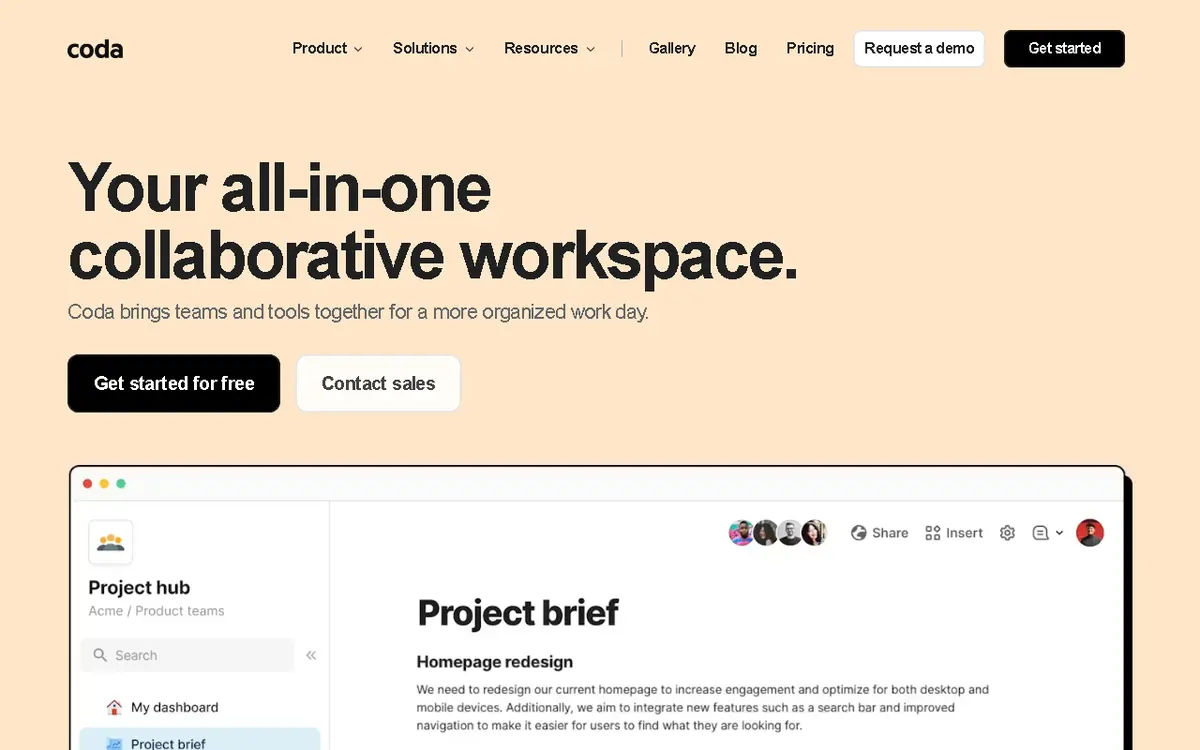
Coda AI Verifiedfreemium

AI-powered document and workspace builder

4.4 / 5.0
Coda AI interface screenshot

Coda AI integrates AI directly into collaborative documents, enabling users to generate content, summarize tables, and automate workflows. It combines the flexibility of docs with the power of databases and AI.

Why Choose Coda AI
  • Deep integration with docs
  • Powerful automation
  • Team collaboration
Considerations & Limitations
  • Steep learning curve
  • AI features limited on free plan
#5
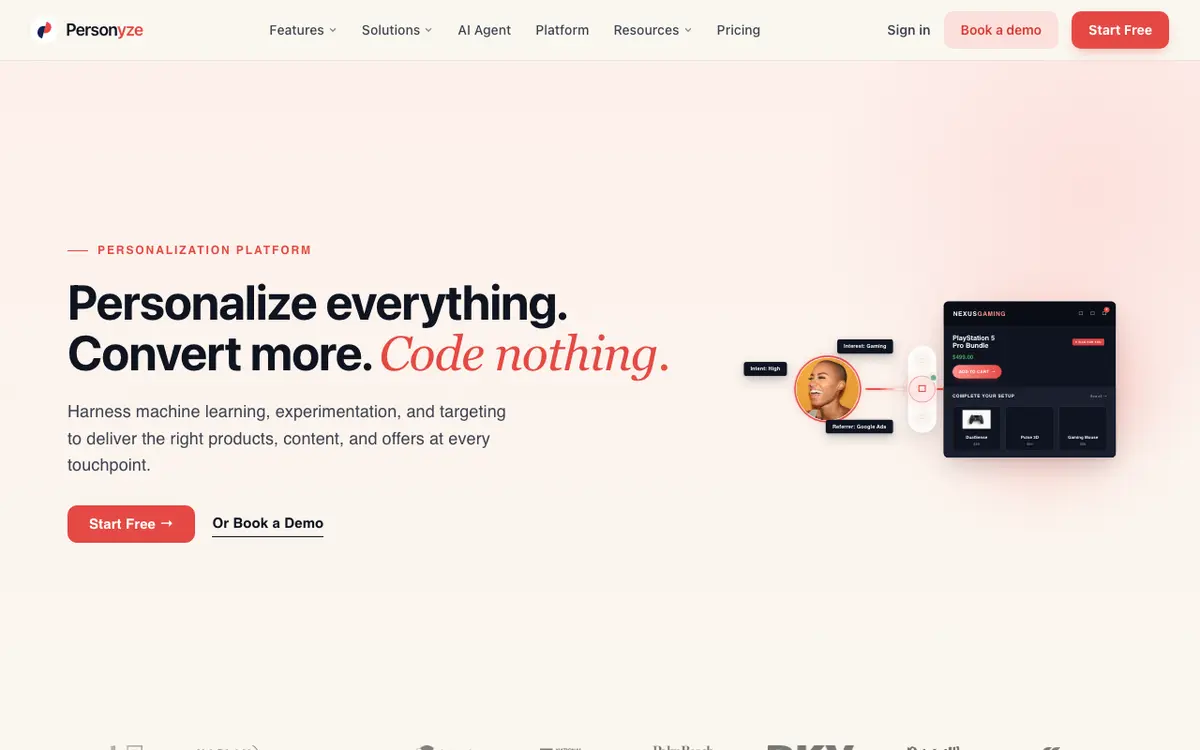
Personyzefreemium

AI personalization engine boosting conversions.

4.8 / 5.0
Personyze interface screenshot

Personyze is an AI-driven personalization engine that helps businesses increase user engagement and conversion rates. It dynamically tailors website content, offers, and experiences based on individual user behavior and preferences. The platform is built for marketers and product teams seeking data-driven personalization at scale.

Why Choose Personyze
  • Highly flexible personalization across banners
  • popups
  • emails
  • and product recommendations
Considerations & Limitations
  • Steep learning curve for beginners
  • No training videos or guided tutorials available
  • Paid plans start at $225/month which may be expensive for small businesses
#6
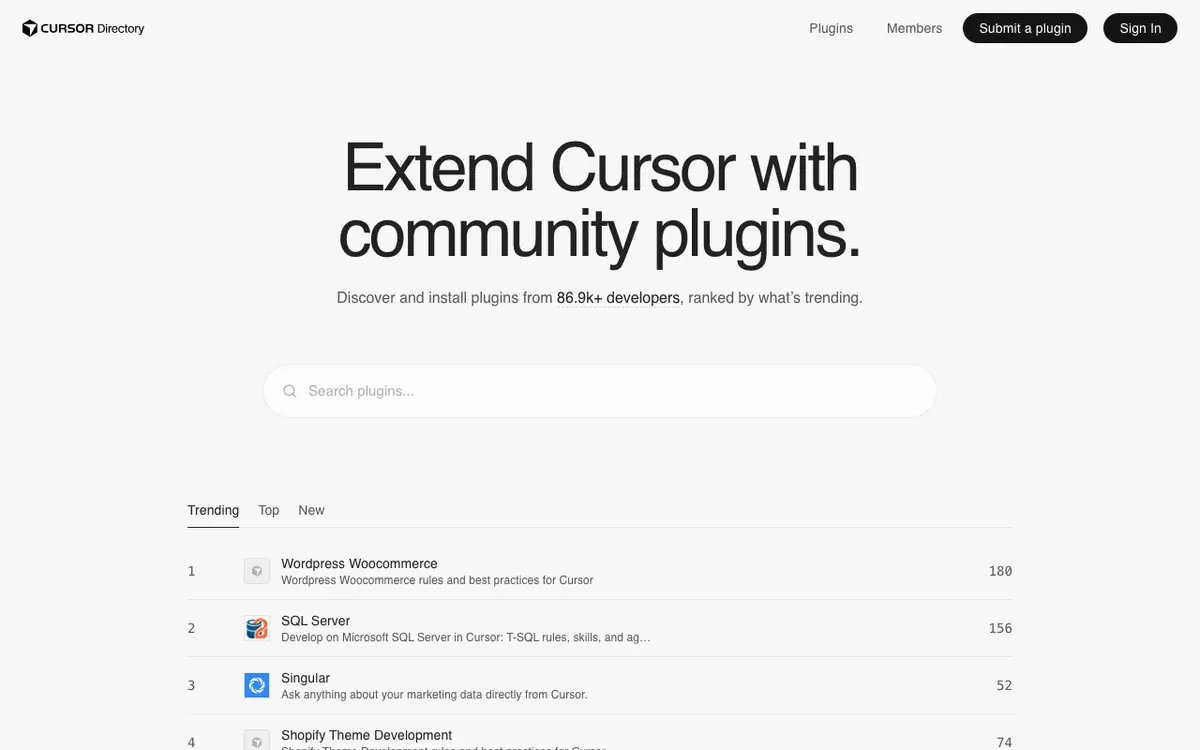
Cursor Directory Verifiedfree

Curated library of system prompts, framework templates, and .cursorrules for AI engineers

4.9 / 5.0
Cursor Directory interface screenshot

Cursor Directory is the leading open repository of specialized system prompts, framework rules, and `.cursorrules` configurations for Cursor IDE and modern AI coding assistants. It helps developers immediately optimize AI responses for specific technology stacks, from Next.js and Tailwind to Rust, LangChain, and Python backend microservices. Engineered by developers for developers, the platform categorizes community-tested rules by framework, language, and architectural design pattern. Instead of writing verbose context prompts on every task, developers can drop these `.cursorrules` directly into their repository root to enforce clean code conventions, typed schemas, and idiomatic practices effortlessly.

Why Choose Cursor Directory
  • Extensive library covering 100+ modern web and backend frameworks
  • 1-click copy functionality directly into repository root
  • Completely free and open-source with active community contributions
Considerations & Limitations
  • Relies on community contributions, requiring occasional rule verification for newest framework releases
#7
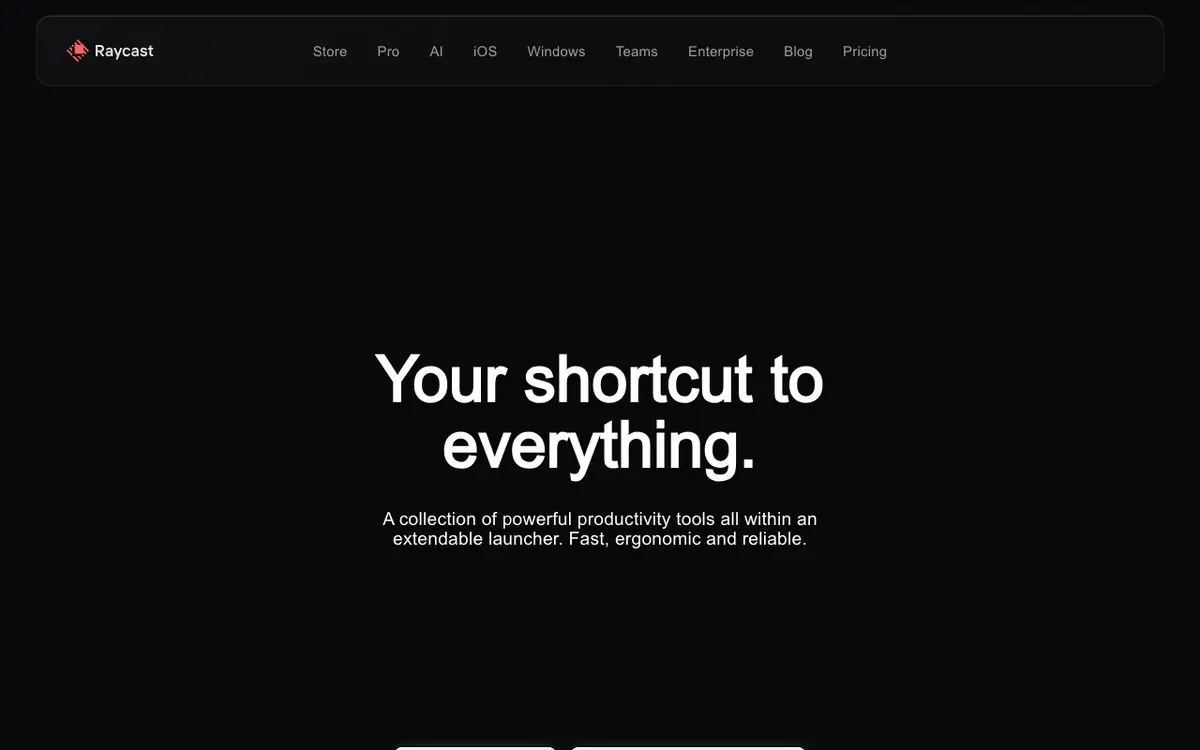
Raycast Verifiedfreemium

Extensible AI-powered launcher for power users

4.9 / 5.0
Raycast interface screenshot

Raycast replaces standard OS launchers with a command-driven interface for apps, scripts, and AI. It provides quick access to AI chat, translations, and custom workflows.

Why Choose Raycast
  • Massive plugin ecosystem
  • Very low latency
  • Centralized AI access
Considerations & Limitations
  • Mac-first (Windows version in beta)
  • Advanced features require Pro

Related Technical Guides & Showdowns

Explore More productivity AI Tools

Browse our complete verified directory of 7,900+ tools.