NeedAITool — AI Tools Directory
Gamma logo
2026 Procurement Guide

Top 6 Best Gamma Alternatives & Competitors in 2026

Gamma transformed deck creation by turning prompts into interactive presentations, but strict monthly credit caps and formatting loss during PowerPoint export push presenters to evaluate Tome and Pitch.

Verified Technical BenchmarksUpdated September 2026Category: productivity AI

2026 Decision Framework: Should You Switch from Gamma?

Factual procurement guidance based on verified technical trade-offs and pricing models.

Stay with Gamma if:

Stay with Gamma if you need rapid, responsive web-based presentations, documents, and web pages that look stunning on mobile and desktop.

Switch to an alternative if:

Switch to Beautiful.ai or Pitch if you require strict brand design system enforcement, corporate PowerPoint compatibility, and unlimited team decks.

Enterprise & Teams Path

Adopt Pitch or Beautiful.ai to lock corporate typography, colors, and layouts across all sales presentations automatically.

Solo & Freelance Path

Use Gamma's free credits for occasional pitch decks, or generate outline drafts in Claude and paste into Canva presentations for zero credit limits.

Feature & Specification Comparison Matrix

Side-by-side technical capabilities, licensing, and pricing models.

Scroll horizontally for full matrix →
Specification / Tool
GammaCurrent
4.6 / 5.0
4.5 / 5.0
4.8 / 5.0
4.6 / 5.0
4.9 / 5.0
4.8 / 5.0
4.8 / 5.0
Pricing Modelfreemium

400 credits for new users

freemium

A few free AI responses included

freemium

Basic AI features with limited uses

paid

14-day free trial

freemium

Free for personal use

freemium

15 messages/mo

freemium

50 rewinds/month

Free Tier Available Yes Yes Yes No Yes Yes Yes
Developer API Access No Yes No No Yes No No
Open Source / Self-Hostable No No No No No No No
Works Offline / Local No Yes No No Yes No Yes
No Signup Required No No No No No No No
Multimodal Support Yes No Yes Yes Yes No Yes
Code Execution No No No No Yes Yes No
Supported Platformswebweb, desktop, ios, androidweb, ios, android, desktopwebdesktop, iosweb, ios, androiddesktop, ios
ActionView Profile View Profile View Profile View Profile View Profile View Profile View Profile

In-Depth Alternatives Breakdown

Ranked analysis of each replacement option, key strengths, limitations, and direct comparisons.

#1
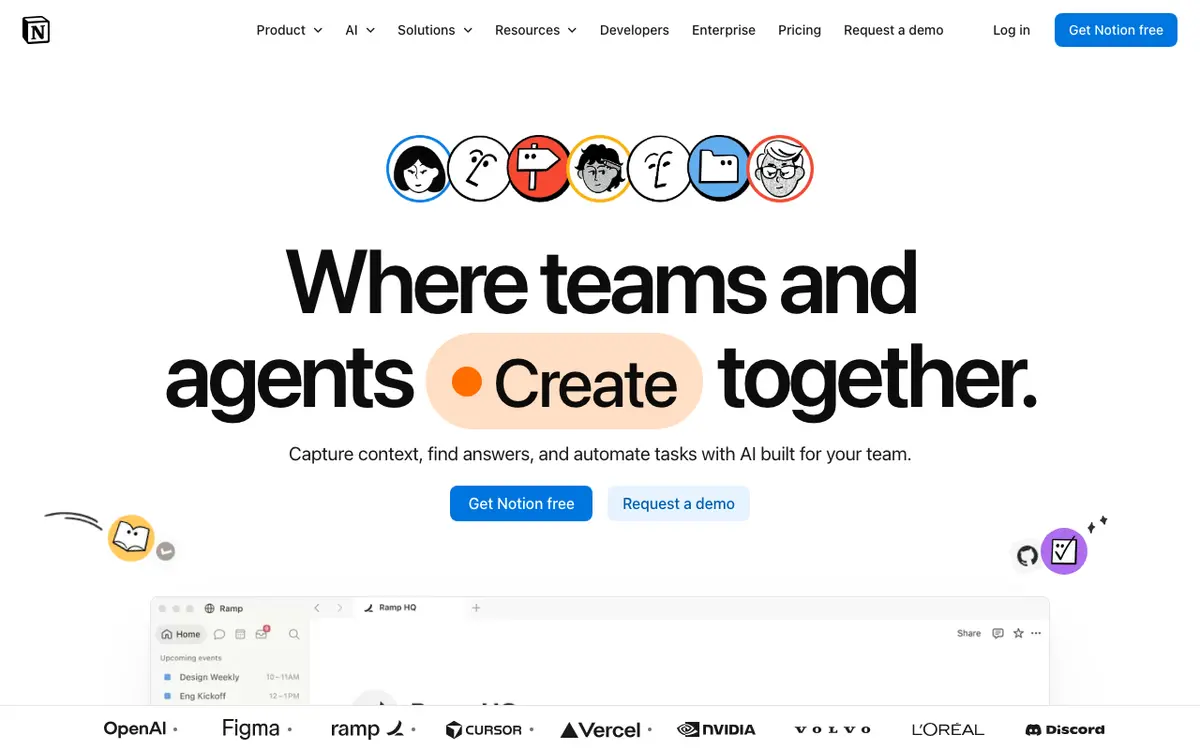
Notion AI Verifiedfreemium

Your personal assistant within your workspace

4.5 / 5.0
Notion AI interface screenshot

AI integrated directly into Notion to help summarize notes, write drafts, fix grammar, and search across your entire workspace.

Why Choose Notion AI
  • Seamless workflow
  • Excellent summarization
  • Great for project management
Considerations & Limitations
  • Separate paid add-on
  • Limited to text tasks
#2
Canva Verifiedfreemium

Design for everyone with Magic Studio AI

4.8 / 5.0
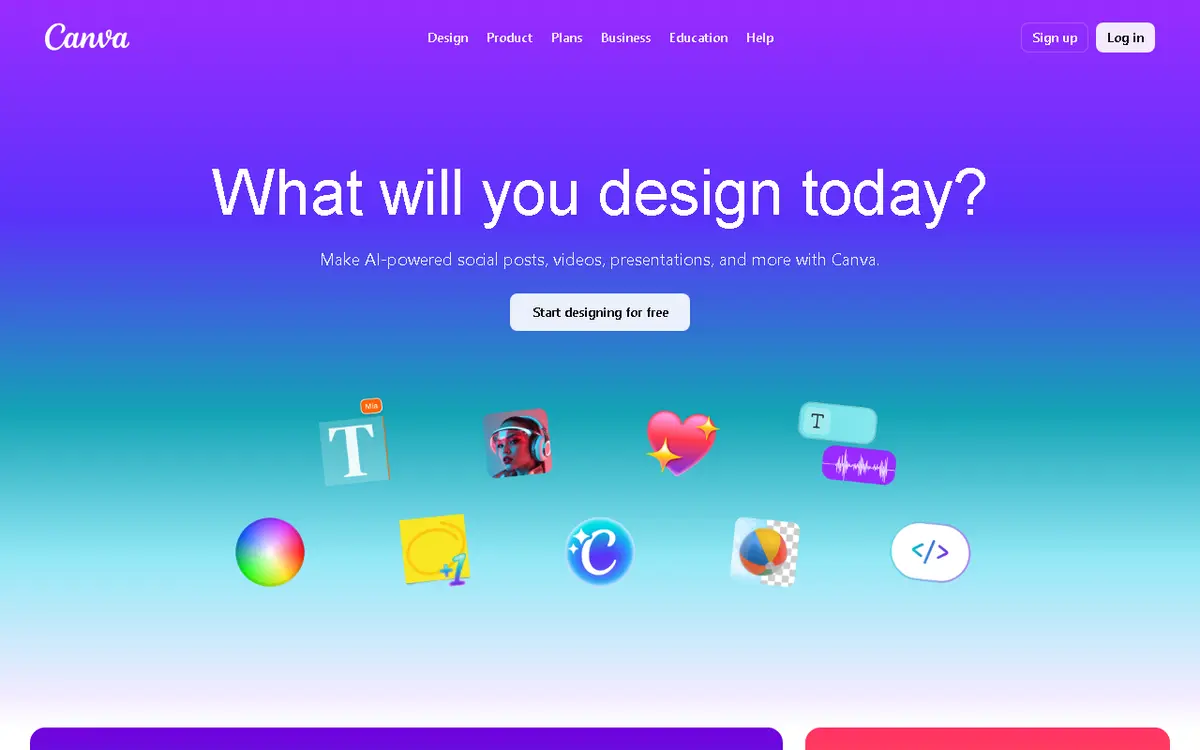
Canva interface screenshot

A design platform that integrates AI for text-to-image, photo editing, and automated layout generation for social media and presentations.

Why Choose Canva
  • User-friendly
  • Huge template library
  • One-click AI edits
Considerations & Limitations
  • Limited control for pros
  • AI credits required for Pro
#3
Beautiful.ai Verifiedpaid

Presentation software that designs itself

4.6 / 5.0
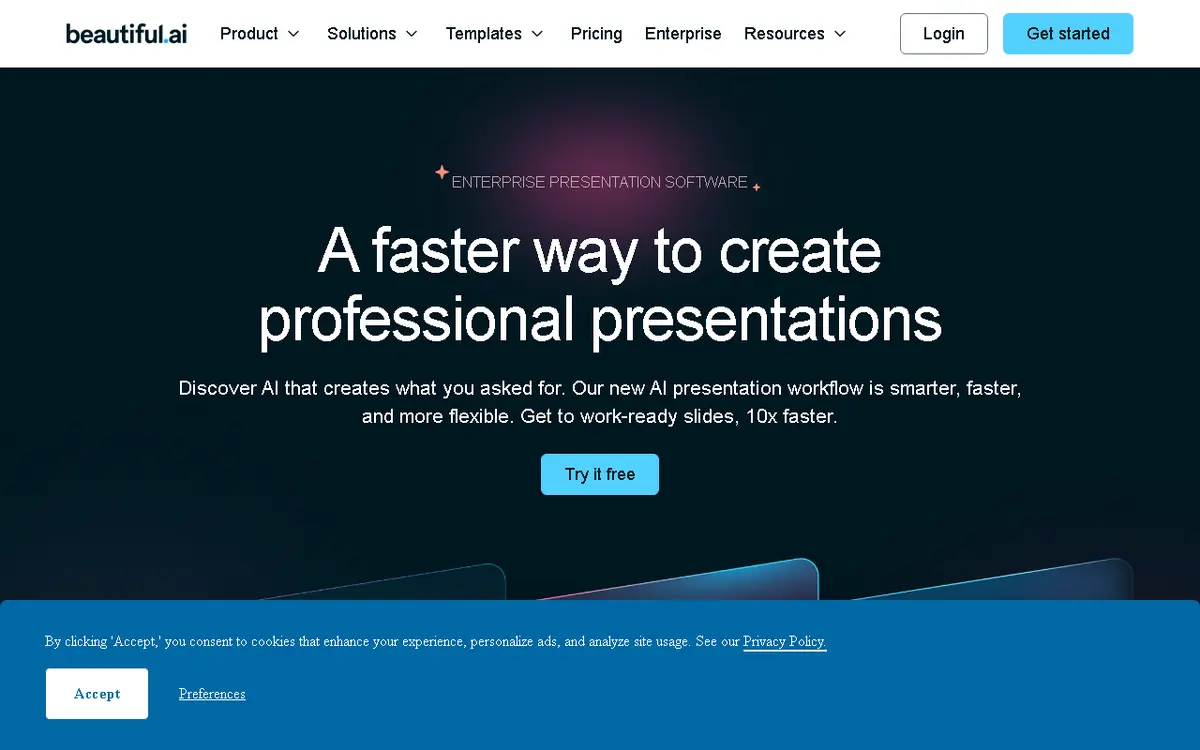
Beautiful.ai interface screenshot

A smart presentation tool that uses AI to automatically adjust layouts and font sizes as you add content, ensuring professional design every time.

Why Choose Beautiful.ai
  • Professional look guaranteed
  • Huge icon/image library
  • Excellent chart tools
Considerations & Limitations
  • No free version
  • Can be restrictive for custom layouts
#4
Raycast Verifiedfreemium

Extensible AI-powered launcher for power users

4.9 / 5.0
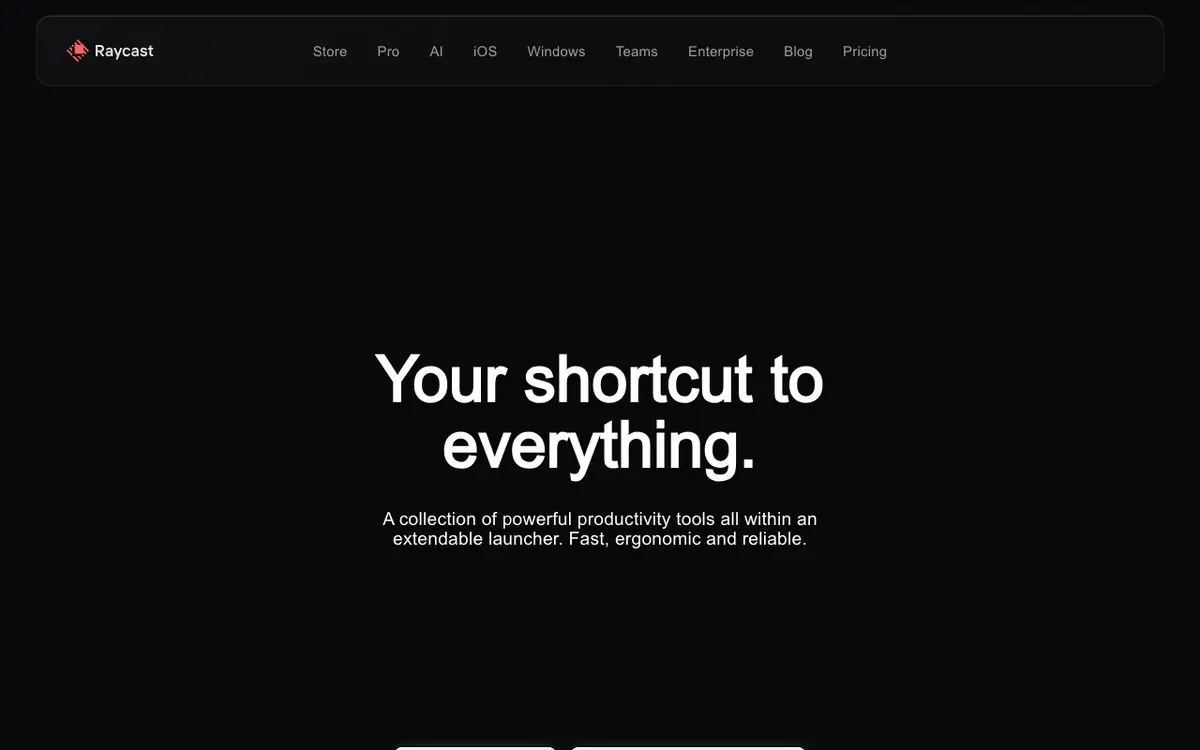
Raycast interface screenshot

Raycast replaces standard OS launchers with a command-driven interface for apps, scripts, and AI. It provides quick access to AI chat, translations, and custom workflows.

Why Choose Raycast
  • Massive plugin ecosystem
  • Very low latency
  • Centralized AI access
Considerations & Limitations
  • Mac-first (Windows version in beta)
  • Advanced features require Pro
#5
Julius AI Verifiedfreemium

Your personal data scientist

4.8 / 5.0
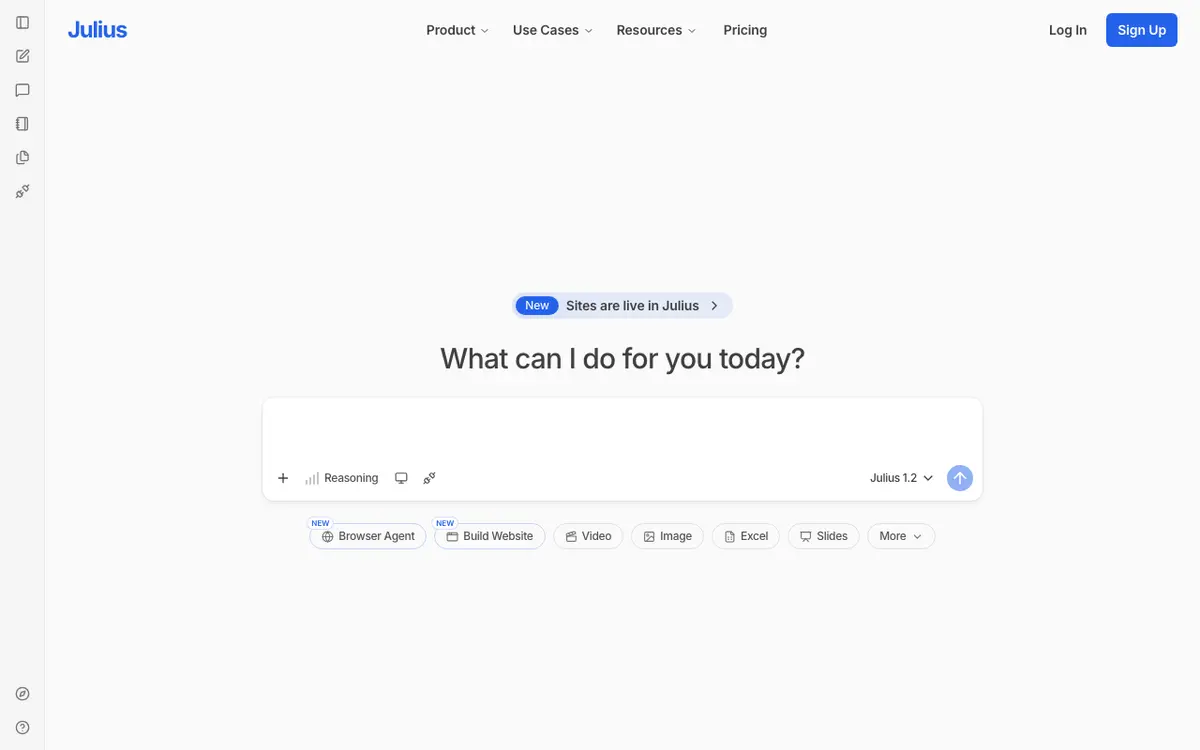
Julius AI interface screenshot

An AI assistant that can analyze spreadsheets, perform statistical tests, and generate beautiful data visualizations from natural language.

Why Choose Julius AI
  • Complex data analysis in seconds
  • High-quality charts
  • Easy to use
Considerations & Limitations
  • Very limited free tier
  • Requires clear data formatting
#6
Rewind Verifiedfreemium

The search engine for your life

4.8 / 5.0
Rewind interface screenshot

A personalized AI that records your screen and audio to help you search for anything you've seen, said, or heard.

Why Choose Rewind
  • Perfect memory
  • Privacy-first
  • Great for finding old links/emails
Considerations & Limitations
  • High disk usage
  • Requires permissions to record everything

Frequently Asked Questions

Common technical and pricing questions when switching from Gamma.

Can I export Gamma presentations to Microsoft PowerPoint?

Yes, Gamma supports exporting to PPTX and PDF, though custom web cards and interactive widgets may convert to static slides.

What is the best alternative to Gamma for sales decks?

Pitch and Beautiful.ai are the top alternatives for sales teams needing team collaboration, slide analytics, and tight brand controls.

Is Gamma free to use?

Gamma provides free starter credits to create initial decks; ongoing generation and advanced AI editing require a Plus or Pro subscription.

Related Technical Guides & Showdowns

Explore More productivity AI Tools

Browse our complete verified directory of 7,900+ tools.