NeedAITool — AI Tools Directory
Make logo
2026 Procurement Guide

Top 7 Best Make Alternatives & Competitors in 2026

Make is revered for its visual canvas and cost-effective operations, but non-technical users find its JSON data mapping and error routing intimidating, pushing some back to Zapier and others to self-hosted n8n.

Verified Technical BenchmarksUpdated September 2026Category: automation AI

2026 Decision Framework: Should You Switch from Make?

Factual procurement guidance based on verified technical trade-offs and pricing models.

Stay with Make if:

Stay with Make if you need complex array aggregators, visual branching pipelines, and multi-step webhooks at an affordable per-operation cost.

Switch to an alternative if:

Switch to Zapier if you want simple, non-technical setup without data formatting headaches, or n8n if you require self-hosted privacy and custom code nodes.

Enterprise & Teams Path

Adopt self-hosted n8n to gain full CI/CD git integration for your automated workflows, allowing version-controlled deployment pipelines.

Solo & Freelance Path

Stick with Make's generous 1,000 free operations/month, or transition to n8n Community edition on a $5/month VPS for unlimited executions.

Feature & Specification Comparison Matrix

Side-by-side technical capabilities, licensing, and pricing models.

Scroll horizontally for full matrix →
Specification / Tool
MakeCurrent
4.8 / 5.0
4.5 / 5.0
4.7 / 5.0
4.4 / 5.0
4.7 / 5.0
4.6 / 5.0
4.9 / 5.0
4.8 / 5.0
Pricing Modelfreemium

Free plan includes 1,000 operations per month with basic features.

freemium

100 tasks/month free

freemium

Free self-hosted community node edition with unlimited executions.

paid

No free tier available beyond initial trial frameworks.

paid

No free tier; assessment trials require direct sales screening.

paid

No free tier or public sandbox trials.

paid

No free tier

freemium

Free community edition package open for specific individual development tracks.

Free Tier Available Yes Yes Yes No No No No Yes
Developer API Access Yes Yes Yes Yes Yes Yes Yes Yes
Open Source / Self-Hostable No No Yes No No No Yes No
Works Offline / Local No No Yes No No No No Yes
No Signup Required No No No No No No No No
Multimodal Support No No No No No No Yes Yes
Code Execution Yes No Yes No Yes Yes Yes Yes
Supported Platformsweb, apiweb, apiweb, api, desktopweb, apiweb, apiweb, apiapi, webdesktop, web, api
ActionView Profile View Profile View Profile View Profile View Profile View Profile View Profile View Profile

In-Depth Alternatives Breakdown

Ranked analysis of each replacement option, key strengths, limitations, and direct comparisons.

#1
Zapier Verifiedfreemium

Automate your work with AI and 6,000+ apps.

4.5 / 5.0
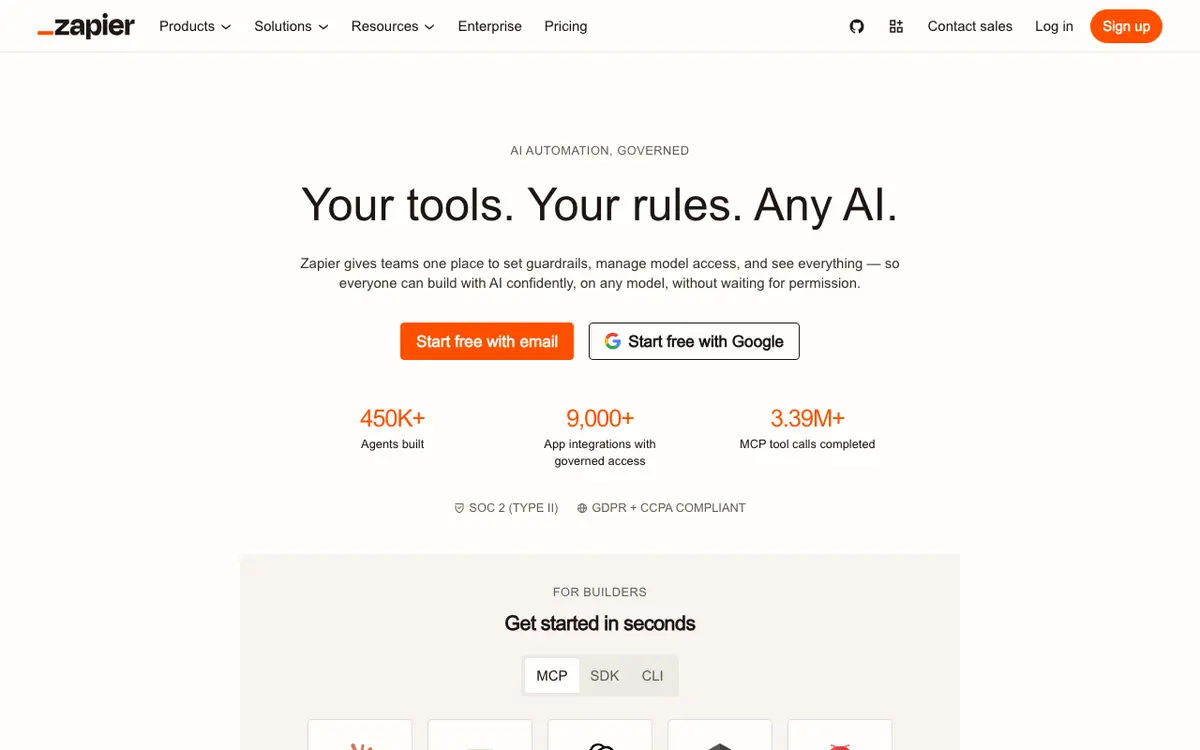
Zapier interface screenshot

Zapier connects ChatGPT with over 6,000 apps to automate workflows across your tools. It enables users to create automated processes without writing code, streamlining repetitive tasks and data transfer between services.

Why Choose Zapier
  • Massive app integration library
  • No-code automation builder
  • Reliable and well-established platform
Considerations & Limitations
  • Free tier is limited in tasks
  • Complex workflows can get expensive
#2
n8n Verifiedfreemium

Fair-code workflow automation for developers

4.7 / 5.0
n8n interface screenshot

n8n is an extendable workflow automation tool enabling users to integrate various data layers via native node APIs. It offers extreme flexibility with both hosted cloud and self-hostable options.

Why Choose n8n
  • Can be self-hosted locally for absolute data privacy
  • No artificial action charges on self-managed infrastructure
  • Highly flexible custom JavaScript and Python script execution
Considerations & Limitations
  • Requires technical engineering literacy to deploy locally
#3
Pabbly Connect Verifiedpaid

High-volume workflow automation without restriction

4.4 / 5.0
Pabbly Connect interface screenshot

Pabbly Connect lets users construct robust data integration chains across distinct app points to sync records continuously. It focuses on cost efficiency by ignoring internal filtering steps during consumption tallies.

Why Choose Pabbly Connect
  • Does not bill account actions for internal router modifications
  • Cost-effective limits for massive data handling pipelines
  • Reliable automated path execution history logs
Considerations & Limitations
  • The structural visual workspace design looks older than competitor tools
#4
Workato Verifiedpaid

Enterprise-grade integration and automation platform

4.7 / 5.0
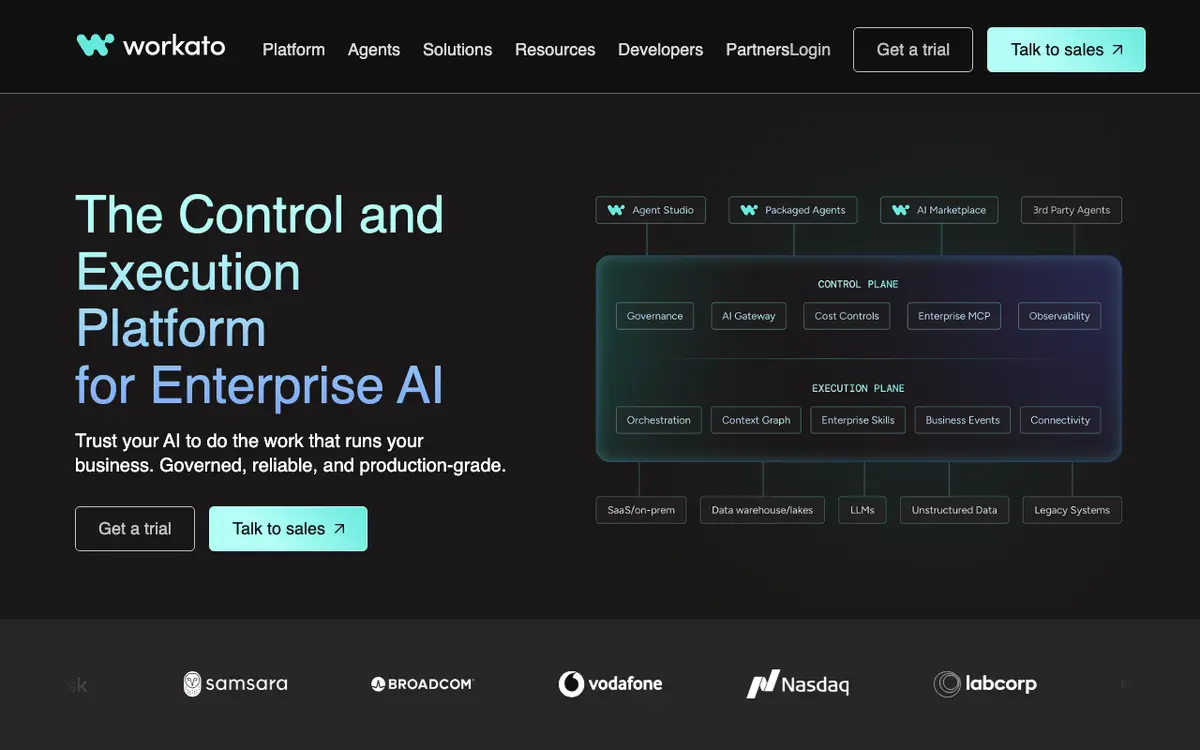
Workato interface screenshot

Workato supplies a secure enterprise architecture enabling unified IT and operational business networks to establish cross-departmental automations. It utilizes machine learning tools to optimize recipe creations and secure corporate networks.

Why Choose Workato
  • Top-tier compliance and enterprise security governance frameworks
  • AI-assisted design suggestions for error-free setups
  • Handles high-volume enterprise transactions without performance loss
Considerations & Limitations
  • Pricing barriers make it inaccessible for casual users or small teams
#5
Tray.io Verifiedpaid

Cloud routing and advanced AI enterprise automation

4.6 / 5.0
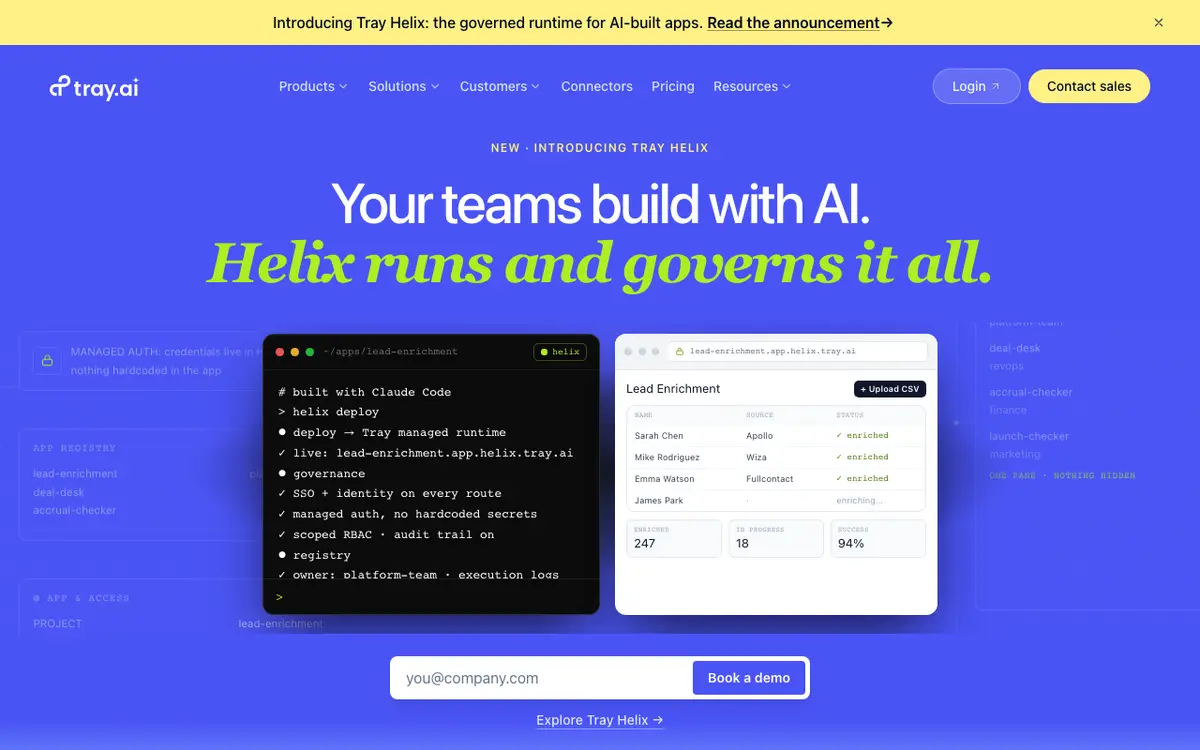
Tray.io interface screenshot

Tray.io features a low-code processing canvas built upon an elastic, highly scalable cloud engine. It utilizes Tray Merlin AI prompts to allow teams to construct data pipelines through clear conversational queries.

Why Choose Tray.io
  • Highly elastic cloud system architecture
  • Merlin AI text-to-workflow generation shortcuts
  • Granular conditional error-handling nodes
Considerations & Limitations
  • Requires professional technical mastery to extract full value
#6
Replicate Verifiedpaid

Run open source AI models with an API

4.9 / 5.0
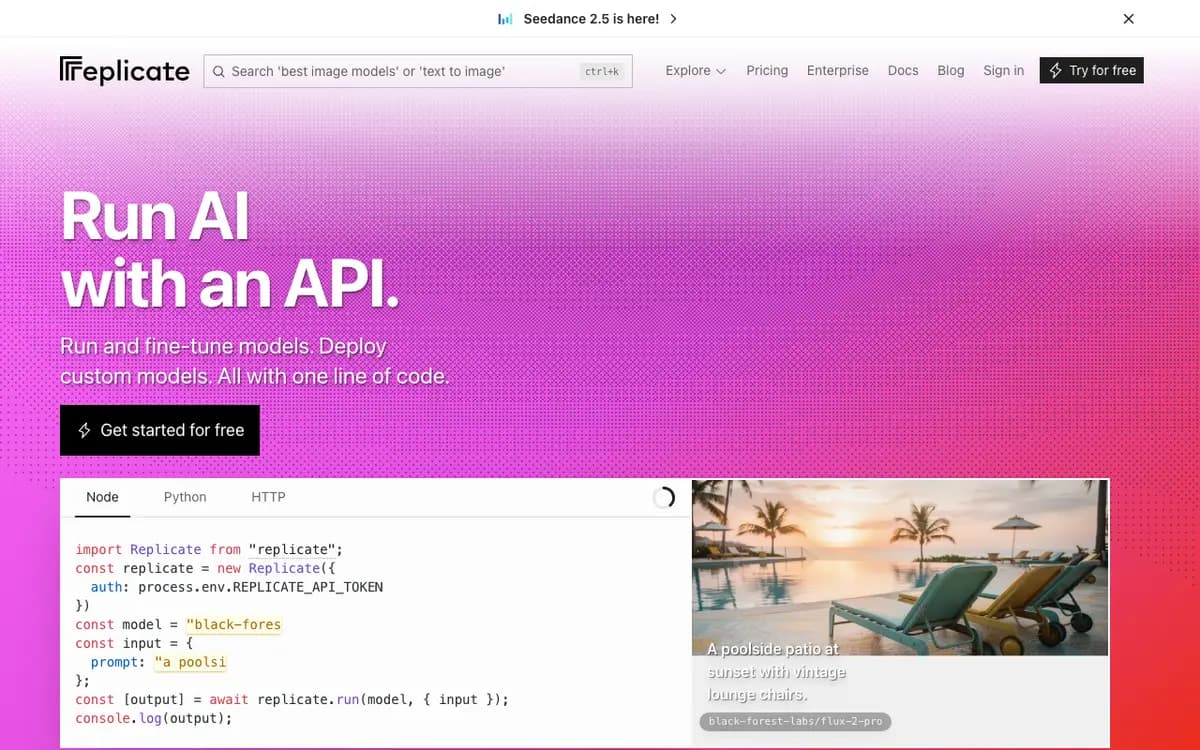
Replicate interface screenshot

A cloud platform that allows developers to run and deploy machine learning models with one line of code. It hosts thousands of models for images, video, and text.

Why Choose Replicate
  • Massive model library
  • Serverless scaling
  • Excellent documentation
Considerations & Limitations
  • Can get expensive quickly
  • Requires coding knowledge
#7
UiPath Verifiedfreemium

Enterprise robotic process automation powered by AI

4.8 / 5.0
UiPath interface screenshot

UiPath empowers enterprise corporations to scale custom software robots that execute human interaction sequences on desktop operating environments. Its integrated AI engines discover process friction and analyze system views with complete exactness.

Why Choose UiPath
  • Unmatched sector performance for native desktop interface reading
  • Advanced internal computer vision systems decode screen points flawlessly
  • Extensive centralized security tracking and network governance structures
Considerations & Limitations
  • The structural system requires heavy specialized initialization investments

Frequently Asked Questions

Common technical and pricing questions when switching from Make.

Is Make harder to use than Zapier?

Yes, Make requires understanding data structures, variable mapping, and iterator/aggregator modules, but provides far greater control than Zapier.

Why do developers prefer n8n over Make?

n8n allows full JavaScript/Python code execution within any node, can be self-hosted on your own infrastructure, and supports native Git workflow syncing.

How much cheaper is Make compared to Zapier?

Make is typically 60% to 80% cheaper than Zapier for equivalent workflow operations, making it much more economical for scaling companies.

Related Technical Guides & Showdowns

Explore More automation AI Tools

Browse our complete verified directory of 7,900+ tools.