NeedAITool — AI Tools Directory
Notion AI logo
2026 Procurement Guide

Top 7 Best Notion AI Alternatives & Competitors in 2026

Notion AI provides seamless writing assistance inside team docs, but privacy-conscious companies worry about workspace data leakage, hallucinated RAG search, and compounding per-user add-on costs ($10/user/mo).

Verified Technical BenchmarksUpdated September 2026Category: productivity AI

2026 Decision Framework: Should You Switch from Notion AI?

Factual procurement guidance based on verified technical trade-offs and pricing models.

Stay with Notion AI if:

Stay with Notion AI if your entire organization already organizes its projects, roadmaps, and wikis inside Notion and values one-click document summaries.

Switch to an alternative if:

Switch to Obsidian with local community AI plugins for 100% offline private markdown notes, or enterprise RAG platforms with verified role-based access control.

Enterprise & Teams Path

Deploy governed enterprise RAG platforms like Onyx or Glean that enforce strict permission filtering across Jira, Slack, and Google Drive without accidental data leaks.

Solo & Freelance Path

Store your knowledge base in Obsidian or Logseq for zero subscription cost and full ownership of your local Markdown files.

Feature & Specification Comparison Matrix

Side-by-side technical capabilities, licensing, and pricing models.

Scroll horizontally for full matrix →
Specification / Tool
Notion AICurrent
4.5 / 5.0
4.6 / 5.0
4.8 / 5.0
4.3 / 5.0
4.5 / 5.0
4.9 / 5.0
4.8 / 5.0
4.8 / 5.0
Pricing Modelfreemium

A few free AI responses included

freemium

400 credits for new users

freemium

Free tier with GPT-4o mini

freemium

Basic organization features

freemium

Basic note-taking with limited blocks

freemium

Free for personal use

freemium

15 messages/mo

freemium

50 rewinds/month

Free Tier Available Yes Yes Yes Yes Yes Yes Yes Yes
Developer API Access Yes No Yes Yes No Yes No No
Open Source / Self-Hostable No No No No No No No No
Works Offline / Local Yes No No No Yes Yes No Yes
No Signup Required No No No No No No No No
Multimodal Support No Yes Yes No No Yes No Yes
Code Execution No No Yes No No Yes Yes No
Supported Platformsweb, desktop, ios, androidwebweb, ios, android, apiweb, ios, android, desktopweb, ios, android, desktopdesktop, iosweb, ios, androiddesktop, ios
ActionView Profile View Profile View Profile View Profile View Profile View Profile View Profile View Profile

In-Depth Alternatives Breakdown

Ranked analysis of each replacement option, key strengths, limitations, and direct comparisons.

#1
Gamma Verifiedfreemium

Create stunning presentations from text

4.6 / 5.0
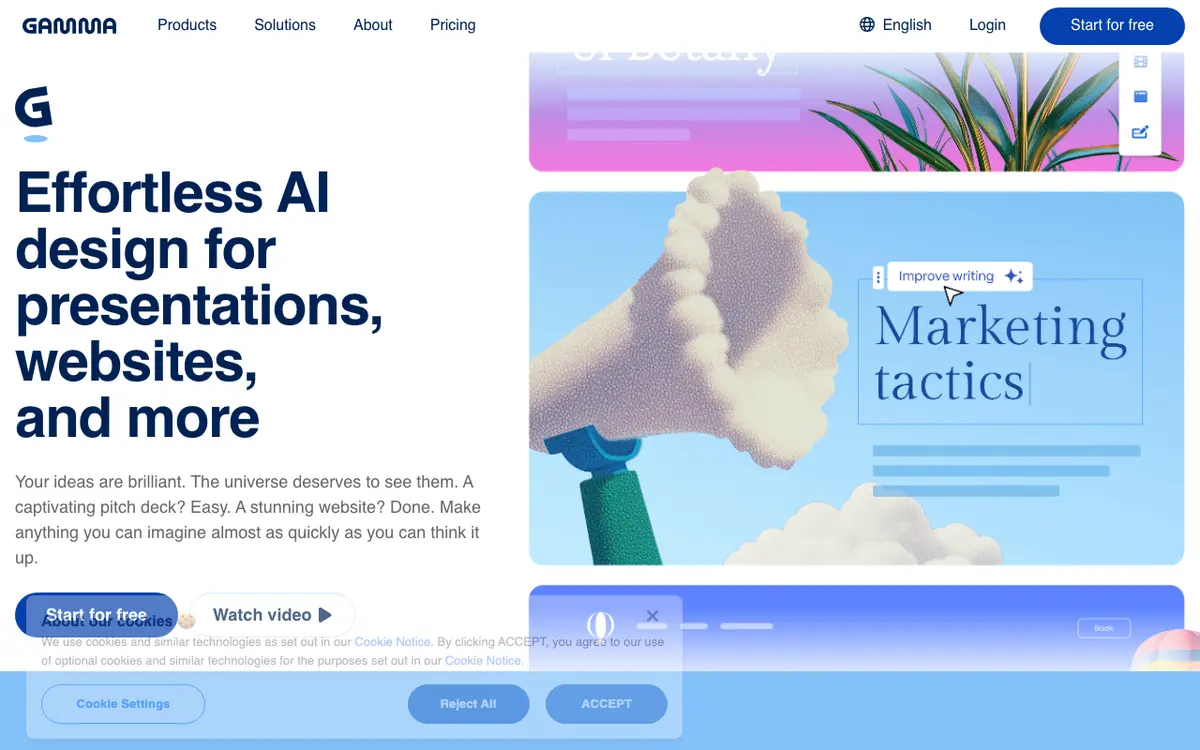
Gamma interface screenshot

An AI design tool for presentations, documents, and webpages. Simply provide a prompt, and it generates a beautiful, responsive layout with content.

Why Choose Gamma
  • Extremely fast
  • Modern responsive layouts
  • Intuitive drag-and-drop
Considerations & Limitations
  • Can look generic
  • Export options are limited
#2
ChatGPT Verifiedfreemium

The world's most popular AI assistant

4.8 / 5.0
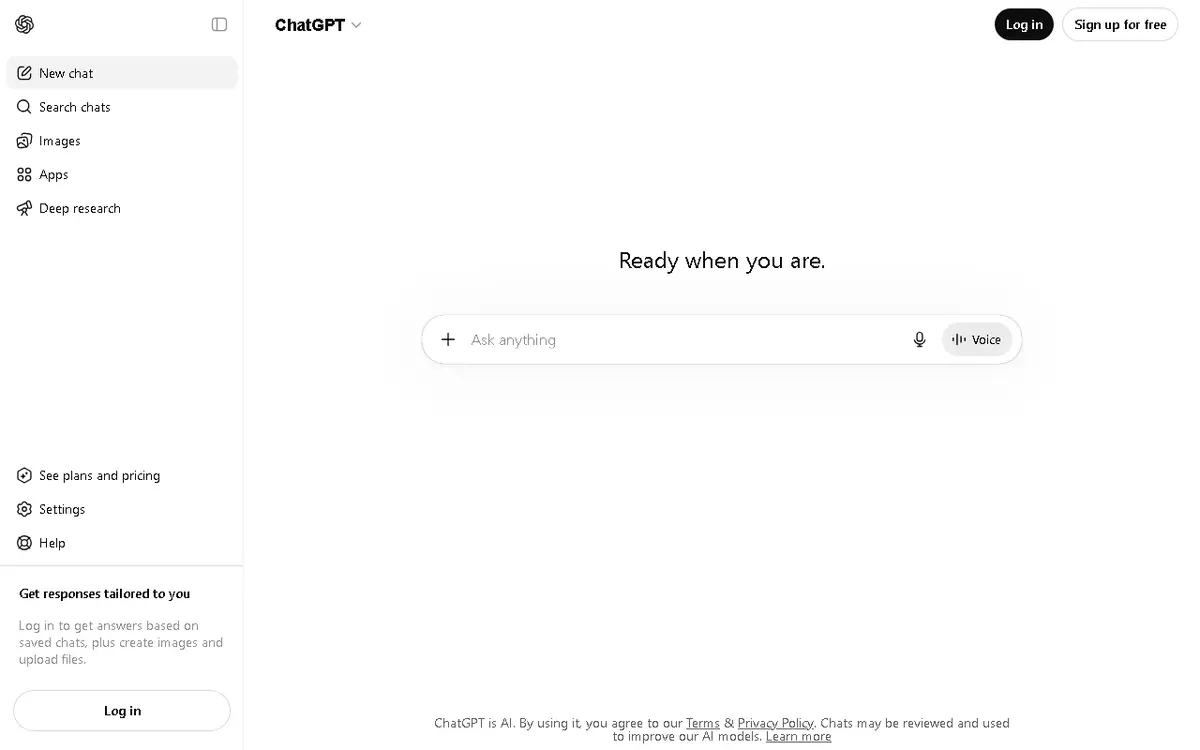
ChatGPT interface screenshot

An advanced AI chatbot that helps with writing, coding, research, and problem-solving with human-like conversation.

Why Choose ChatGPT
  • Largest model ecosystem
  • Best plugin and tool integrations
  • Supports images
  • files
Considerations & Limitations
  • Expensive Pro tier
  • Can hallucinate on niche topics
#3
Mem Verifiedfreemium

AI-powered workspace that organizes itself

4.3 / 5.0
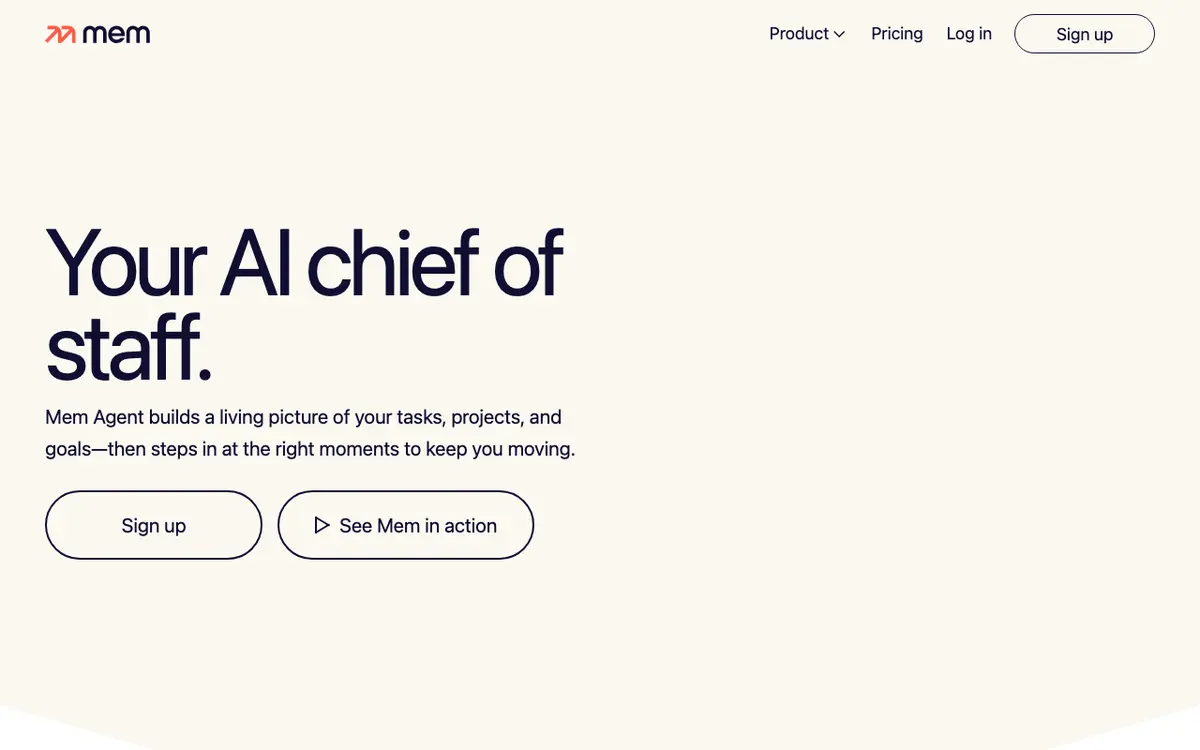
Mem interface screenshot

A productivity tool that uses AI to automatically tag, link, and organize your notes, emails, and calendar events into a searchable knowledge base.

Why Choose Mem
  • No-manual-sorting
  • Great search functionality
  • Automatic context linking
Considerations & Limitations
  • Subscription for best features
  • Mobile app is limited
#4
Capacities Verifiedfreemium

A studio for your mind

4.5 / 5.0
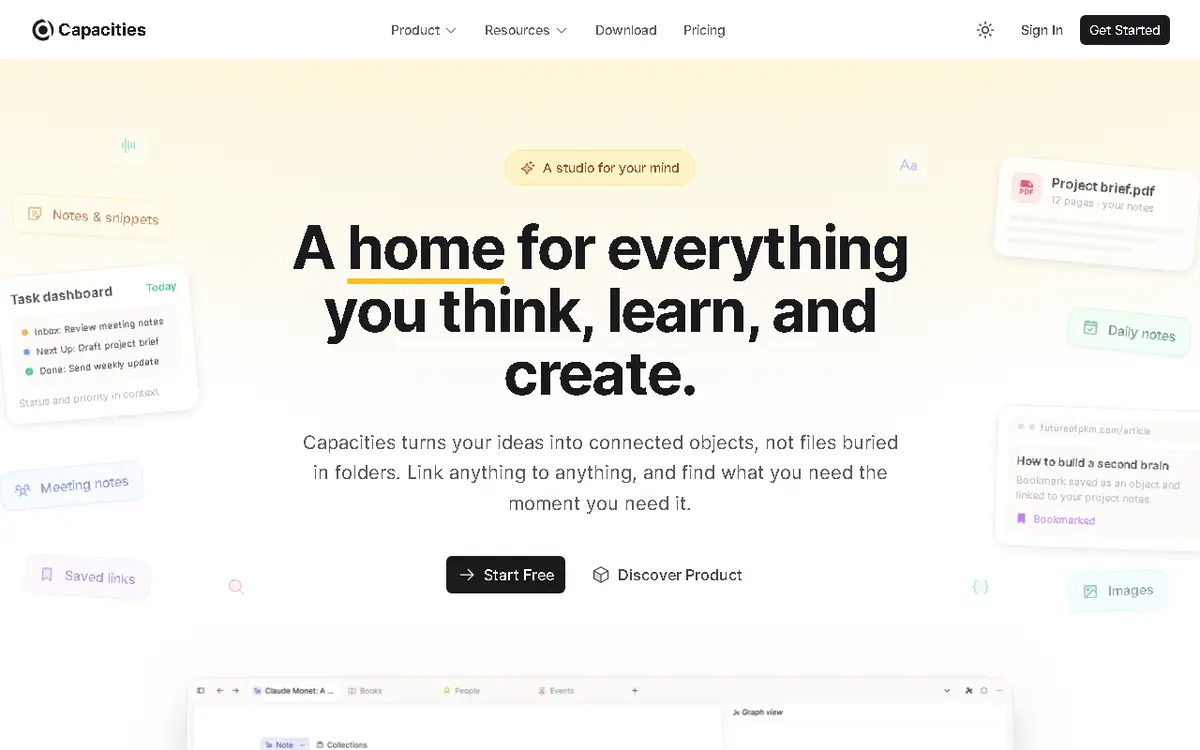
Capacities interface screenshot

Capacities is a note-taking and knowledge management platform designed to help users organize their thoughts, notes, and projects in a structured way. It uses a block-based editor and linked notes to create a personal knowledge graph. Ideal for researchers, writers, and lifelong learners who want to build a second brain.

Why Choose Capacities
  • Intuitive block-based editor
  • Local-first privacy
  • Bi-directional linking
Considerations & Limitations
  • No real-time collaboration
  • Limited integrations
#5
Raycast Verifiedfreemium

Extensible AI-powered launcher for power users

4.9 / 5.0
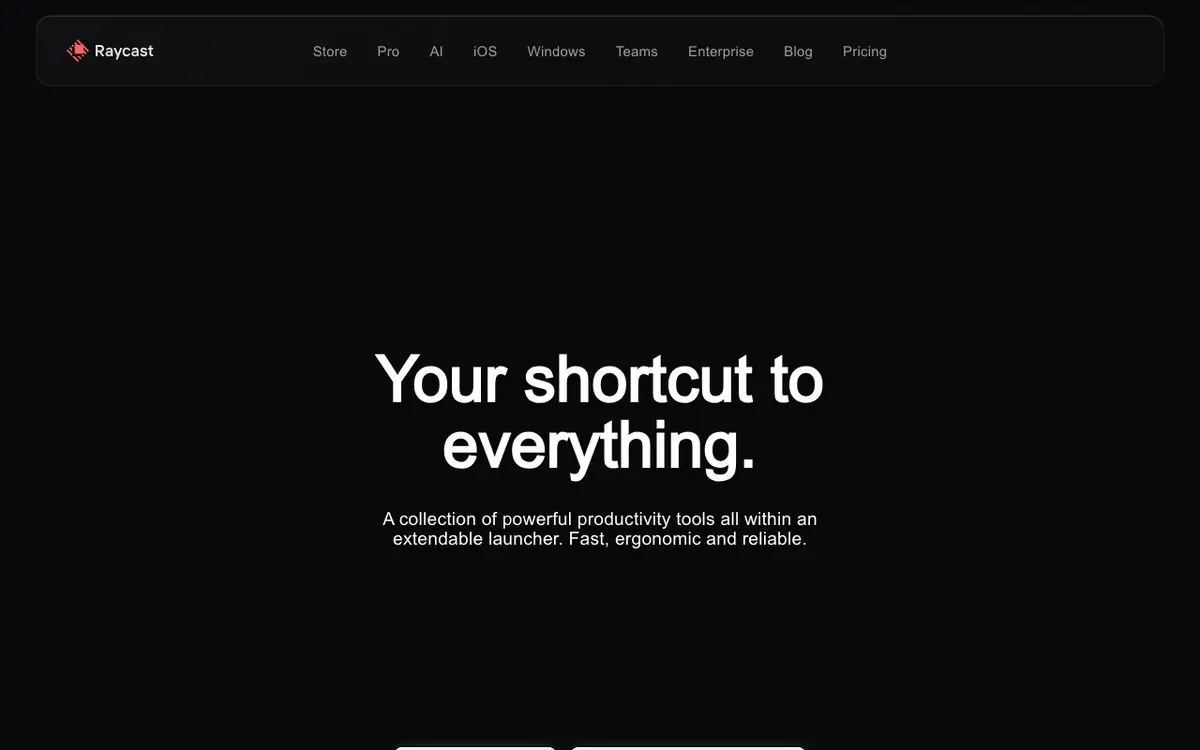
Raycast interface screenshot

Raycast replaces standard OS launchers with a command-driven interface for apps, scripts, and AI. It provides quick access to AI chat, translations, and custom workflows.

Why Choose Raycast
  • Massive plugin ecosystem
  • Very low latency
  • Centralized AI access
Considerations & Limitations
  • Mac-first (Windows version in beta)
  • Advanced features require Pro
#6
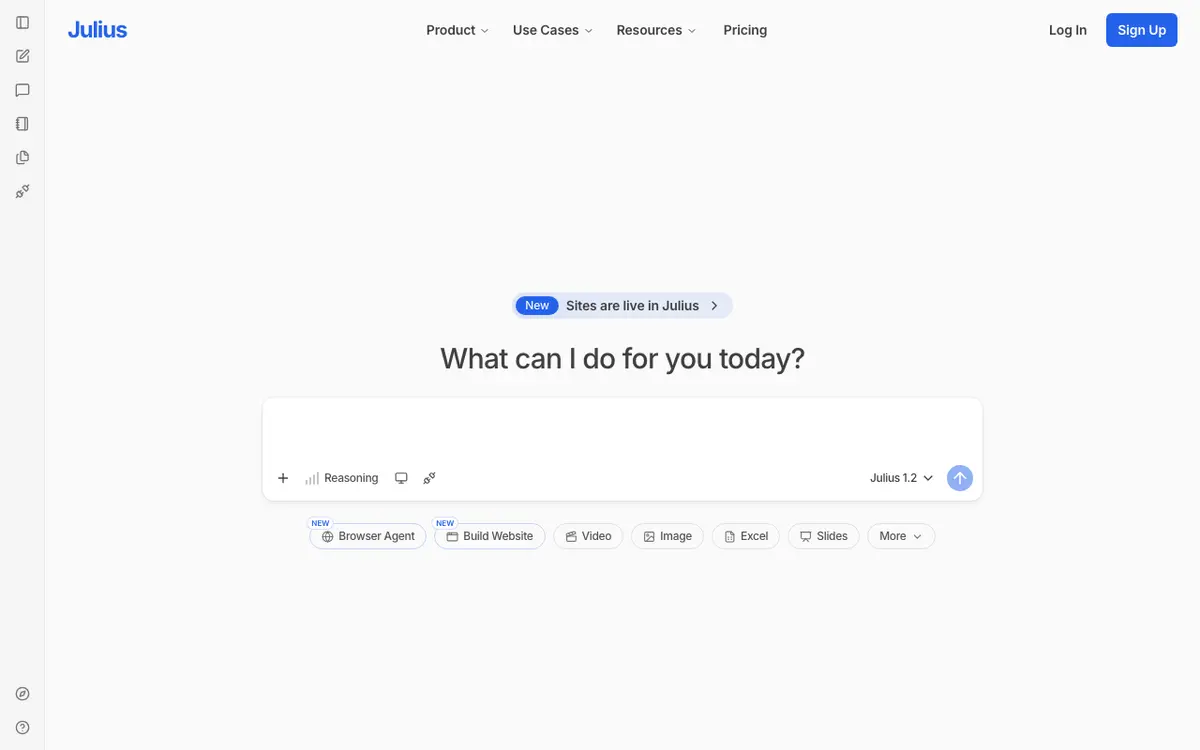
Julius AI Verifiedfreemium

Your personal data scientist

4.8 / 5.0
Julius AI interface screenshot

An AI assistant that can analyze spreadsheets, perform statistical tests, and generate beautiful data visualizations from natural language.

Why Choose Julius AI
  • Complex data analysis in seconds
  • High-quality charts
  • Easy to use
Considerations & Limitations
  • Very limited free tier
  • Requires clear data formatting
#7
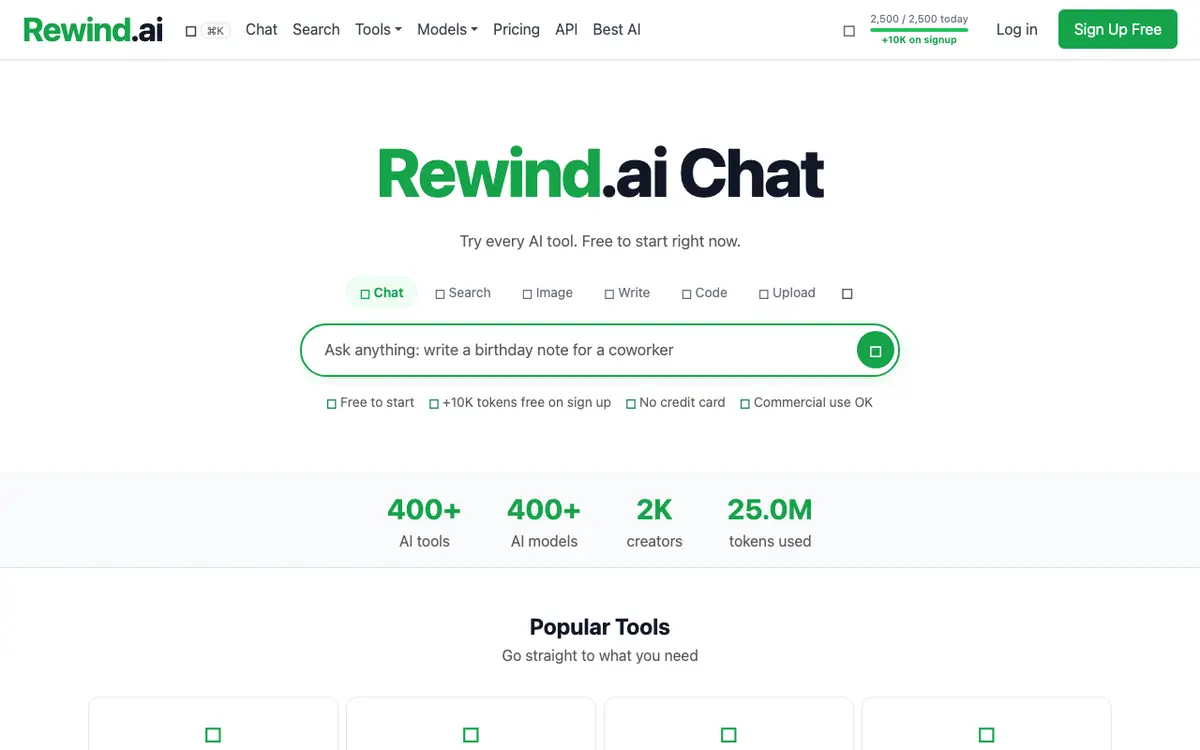
Rewind Verifiedfreemium

The search engine for your life

4.8 / 5.0
Rewind interface screenshot

A personalized AI that records your screen and audio to help you search for anything you've seen, said, or heard.

Why Choose Rewind
  • Perfect memory
  • Privacy-first
  • Great for finding old links/emails
Considerations & Limitations
  • High disk usage
  • Requires permissions to record everything

Frequently Asked Questions

Common technical and pricing questions when switching from Notion AI.

Is Notion AI safe for confidential company data?

Notion AI claims enterprise data is not used to train models, but many compliance teams avoid it due to lack of granular per-document permission controls during RAG queries.

What is the best offline alternative to Notion AI?

Obsidian is the top local-first alternative. Paired with the Smart Connections plugin and local Ollama models, it provides powerful AI search on your local hard drive.

Can I cancel Notion AI and keep Notion free?

Yes. Notion AI is an optional add-on subscription. You can cancel the AI add-on at any time and continue using standard Notion workspaces.

Related Technical Guides & Showdowns

Explore More productivity AI Tools

Browse our complete verified directory of 7,900+ tools.