NeedAITool — AI Tools Directory
Vizard logo
2026 Procurement Guide

Top 5 Best Vizard Alternatives & Competitors in 2026

A technical evaluation of the top 5 software tools matching the core capabilities of Vizard. Compare side-by-side specifications, pricing models, and trade-offs.

Verified Technical BenchmarksUpdated September 2026Category: video AI

Feature & Specification Comparison Matrix

Side-by-side technical capabilities, licensing, and pricing models.

Scroll horizontally for full matrix →
Specification / Tool
VizardCurrent
4.2 / 5.0
4.2 / 5.0
4.8 / 5.0
4.8 / 5.0
4.7 / 5.0
4.7 / 5.0
Pricing Modelfreemium

Basic video editing with watermarks

freemium

5 free background generations per day

freemium

Daily free credits upon login

paid

Trial credits

freemium

30 free generations per month

freemium

Limited free access via Google AI Studio

Free Tier Available Yes Yes Yes No Yes Yes
Developer API Access No No Yes No Yes Yes
Open Source / Self-Hostable No No No No No No
Works Offline / Local No No No No No No
No Signup Required No No No No No No
Multimodal Support No No Yes Yes Yes Yes
Code Execution No No No No No No
Supported Platformsweb, desktopweb, ios, androidweb, apiweb, ios, androidwebweb, api
ActionView Profile View Profile View Profile View Profile View Profile View Profile

In-Depth Alternatives Breakdown

Ranked analysis of each replacement option, key strengths, limitations, and direct comparisons.

#1
Generatebg Verifiedfreemium

Generate high-res backgrounds with one click

4.2 / 5.0
Generatebg interface screenshot

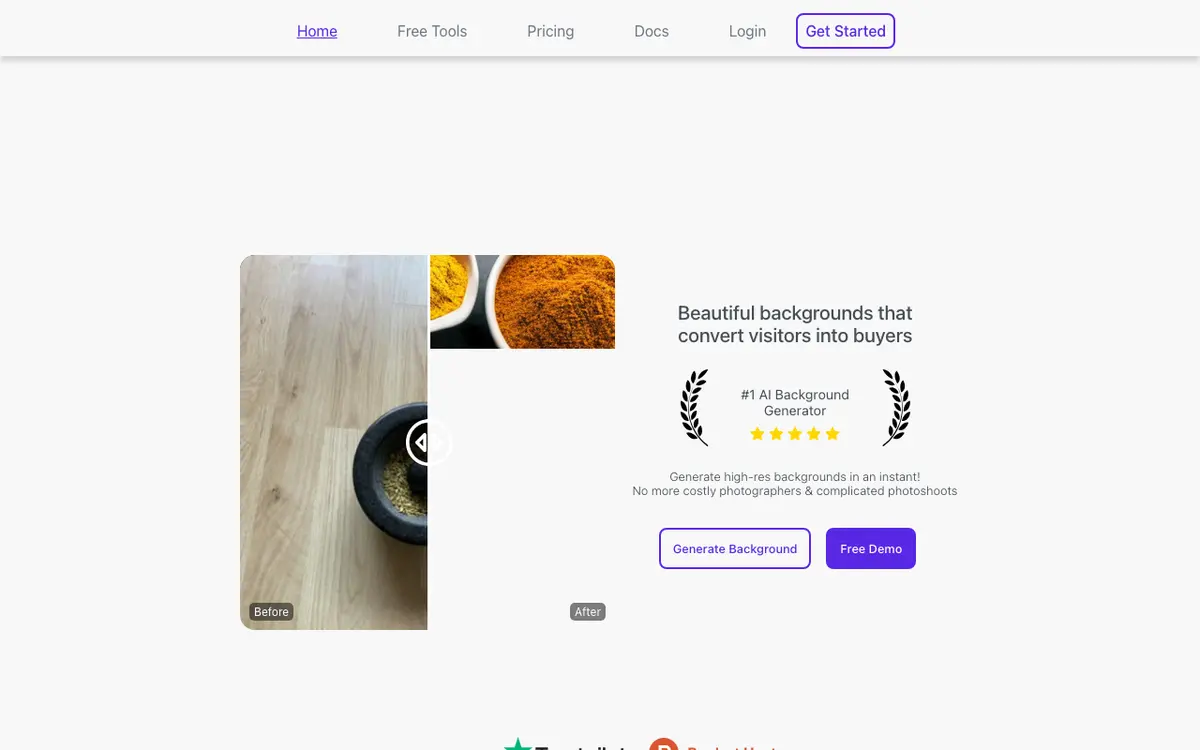
Generatebg allows users to create high-resolution backgrounds instantly with a single click, eliminating the need for manual design work. It uses AI to produce professional-quality backgrounds suitable for various digital projects. Ideal for designers and content creators who need quick visual assets.

Why Choose Generatebg
  • One-click generation
  • High-resolution outputs
  • Easy to use
Considerations & Limitations
  • Limited daily free generations
  • No video output
#2
Kling AI Verifiedfreemium

Cinematic AI video generation with realism

4.8 / 5.0
Kling AI interface screenshot

A high-performance video generation model capable of creating 10-second or longer clips with consistent characters and realistic physics.

Why Choose Kling AI
  • Realistic physics
  • Long video durations
  • High prompt adherence
Considerations & Limitations
  • Slow rendering in free tier
  • Occasional motion glitches
#3
Kaiber Verifiedpaid

AI creative lab for musicians and artists

4.8 / 5.0
Kaiber interface screenshot

Generates stunning AI music videos and animations from audio or text prompts, popular among professional artists.

Why Choose Kaiber
  • Unique artistic styles
  • Audio-reactive features
  • High resolution
Considerations & Limitations
  • Subscription only
  • Can be computationally slow
#4
Luma Dream Machine Verifiedfreemium

High-fidelity video generation from text and images

4.7 / 5.0
Luma Dream Machine interface screenshot

An advanced AI video model capable of creating highly realistic 5-second clips with physical accuracy. It excels at maintaining character consistency and complex motion.

Why Choose Luma Dream Machine
  • Realistic physics
  • Fast generation
  • High resolution
Considerations & Limitations
  • Limited duration per clip
  • Occasional morphing
#5
Veo Verifiedfreemium

Generate cinematic AI videos.

4.7 / 5.0
Veo interface screenshot

Veo is an advanced AI video generation tool developed by Google DeepMind that creates high-quality, cinematic videos from text prompts. It leverages state-of-the-art generative models to produce realistic and visually compelling video content. Ideal for filmmakers, content creators, and marketers seeking professional-grade video output.

Why Choose Veo
  • High-quality cinematic output
  • Backed by Google DeepMind
  • Text-to-video with rich detail
Considerations & Limitations
  • Limited free access
  • High computational cost

Explore More video AI Tools

Browse our complete verified directory of 7,900+ tools.