NeedAITool — AI Tools Directory
Windsurf logo
2026 Procurement Guide

Top 7 Best Windsurf Alternatives & Competitors in 2026

Windsurf pioneered Cascade flows and deeply integrated agentic pairing, but recent corporate acquisition by Cognition (Devin Desktop) and team seat pricing shifts have developers seeking Cursor and open-source Cline.

Verified Technical BenchmarksUpdated September 2026Category: code AI

2026 Decision Framework: Should You Switch from Windsurf?

Factual procurement guidance based on verified technical trade-offs and pricing models.

Stay with Windsurf if:

Stay with Windsurf if you love the Cascade terminal execution workflow and fast context-aware codebase indexing.

Switch to an alternative if:

Switch to Cursor for mature multi-file Composer editing and widespread community support, or open-source Cline for model freedom.

Enterprise & Teams Path

Standardize on Cursor Enterprise for predictable SOC 2 compliance and robust enterprise admin dashboards.

Solo & Freelance Path

Pair VS Code with Cline or Aider using your own Anthropic API key to achieve identical agentic capabilities with zero monthly IDE markup.

Feature & Specification Comparison Matrix

Side-by-side technical capabilities, licensing, and pricing models.

Scroll horizontally for full matrix →
Specification / Tool
WindsurfCurrent
4.5 / 5.0
4.7 / 5.0
4.8 / 5.0
4.8 / 5.0
4.9 / 5.0
4.9 / 5.0
4.9 / 5.0
4.8 / 5.0
Pricing Modelfreemium

Free tier with limited AI completions

freemium

Free with limited completions

freemium

Free for verified students and popular open source maintainers.

freemium

Free tier offers fast inline code completion across VS Code, JetBrains, and Neovim with standard context.

freemium

Unlimited public repls

freemium

2000 code completions per month

freemium

Free for individuals

free

Currently 100% free with unlimited access to Claude 3.5 Sonnet and GPT-4o models during preview.

Free Tier Available Yes Yes Yes Yes Yes Yes Yes Yes
Developer API Access Yes No Yes No Yes No No No
Open Source / Self-Hostable No No No No No No No No
Works Offline / Local No No No No No No No No
No Signup Required No No No No No No No No
Multimodal Support No No No No No No No Yes
Code Execution Yes Yes Yes No Yes Yes Yes Yes
Supported Platformsdesktop, vscodedesktop, apivscode, desktop, apimacos, windows, linuxweb, ios, androiddesktopdesktopmacos, windows, linux
ActionView Profile View Profile View Profile View Profile View Profile View Profile View Profile View Profile

In-Depth Alternatives Breakdown

Ranked analysis of each replacement option, key strengths, limitations, and direct comparisons.

#1
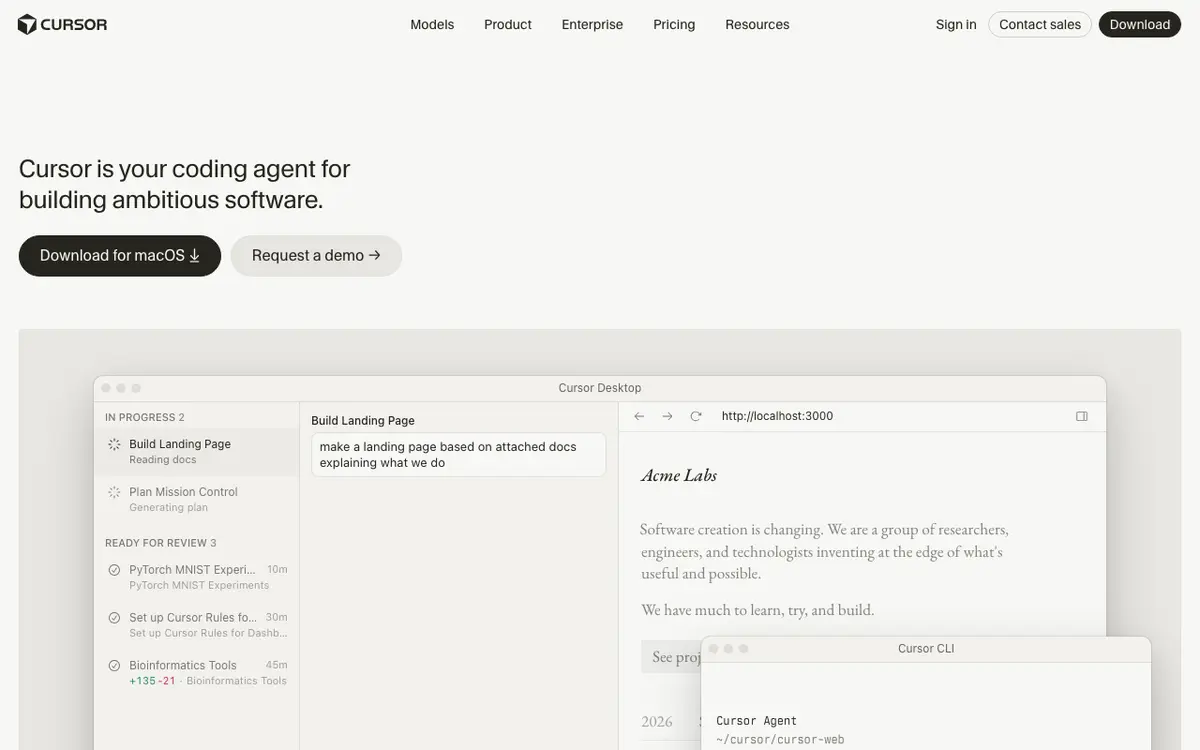
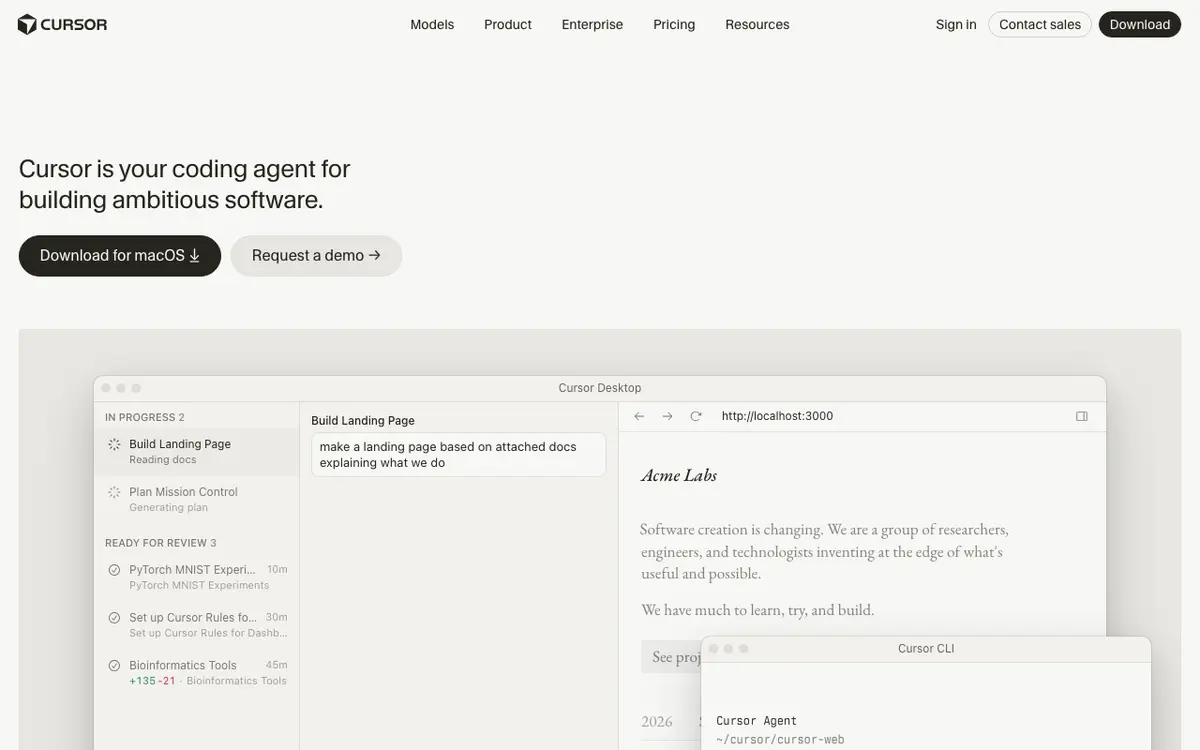
Cursor Verifiedfreemium

The AI code editor that knows your whole codebase

4.7 / 5.0
Cursor interface screenshot

An AI-first code editor built on VS Code that understands your entire codebase for smarter completions and chat.

Why Choose Cursor
  • Full codebase context awareness
  • Works with GPT-4 and Claude
  • Fastest AI coding workflow
Considerations & Limitations
  • Desktop only
  • No collaboration features yet
#2
GitHub Copilot Verifiedfreemium

Your AI pair programmer for faster coding.

4.8 / 5.0
GitHub Copilot interface screenshot

An AI-powered developer tool that provides autocomplete-style suggestions as you code. It learns from your project context to generate relevant functions and snippets.

Why Choose GitHub Copilot
  • Deep IDE integration
  • Reduces boilerplate work
  • Supports over 80 languages
Considerations & Limitations
  • Potential for insecure code suggestions
  • Requires internet connection
#3
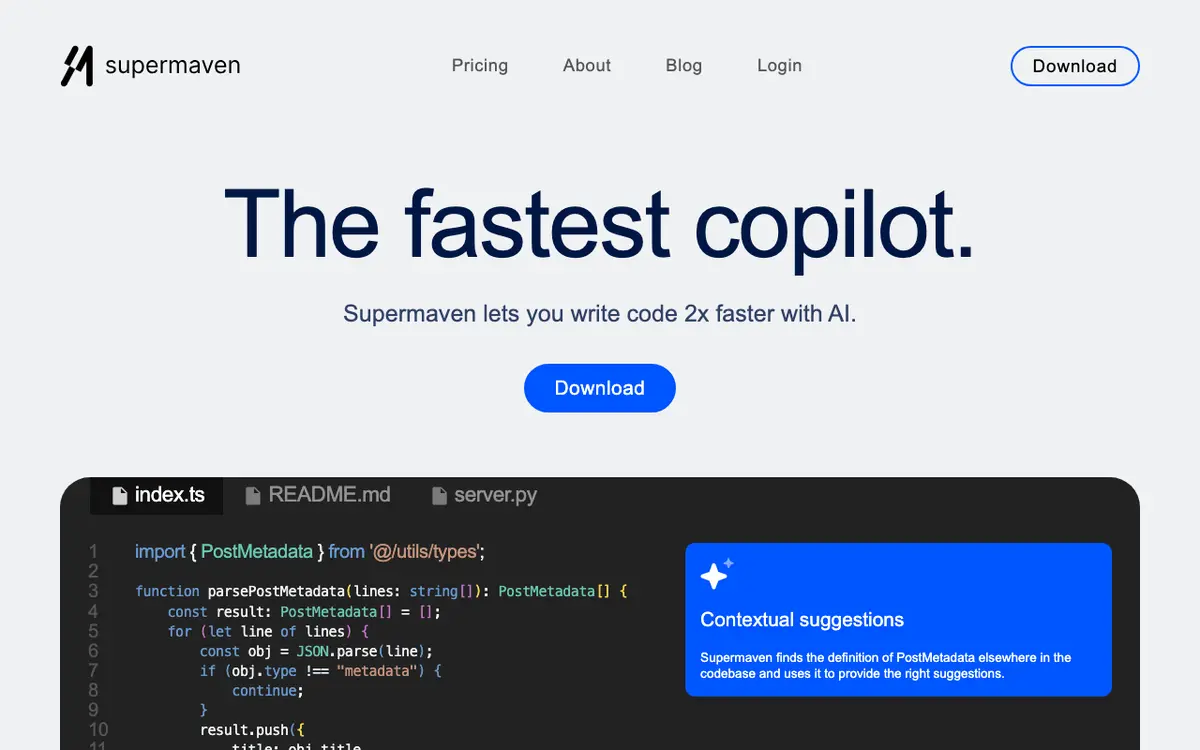
Supermaven Verifiedfreemium

Ultra-fast 300,000-token context AI code completion engine

4.8 / 5.0
Supermaven interface screenshot

Supermaven is an ultra-low-latency AI code completion extension engineered by the creators of TabNine. Renowned for its industry-leading response speed and massive 300,000-token context window, Supermaven delivers sub-100ms inline suggestions that feel instant compared to traditional LLM copilot extensions. By ingesting your entire repository into its specialized Babble neural architecture, Supermaven understands project-wide type definitions, custom internal libraries, coding conventions, and recent file edits with unprecedented accuracy. Available across Visual Studio Code, JetBrains IDEs, and Neovim, Supermaven offers a generous free tier for individual developers alongside a high-context Pro tier for professional engineers.

Why Choose Supermaven
  • Industry-leading autocomplete latency (sub-50ms response times)
  • Massive 300,000-token context window indexing entire codebases
  • Official plugins for VS Code, JetBrains, and Neovim
  • Generous free tier with fast inline completions
Considerations & Limitations
  • Focuses primarily on autocomplete rather than full agentic repository surgery
  • Chat panel features are simpler than full IDEs like Cursor
#4
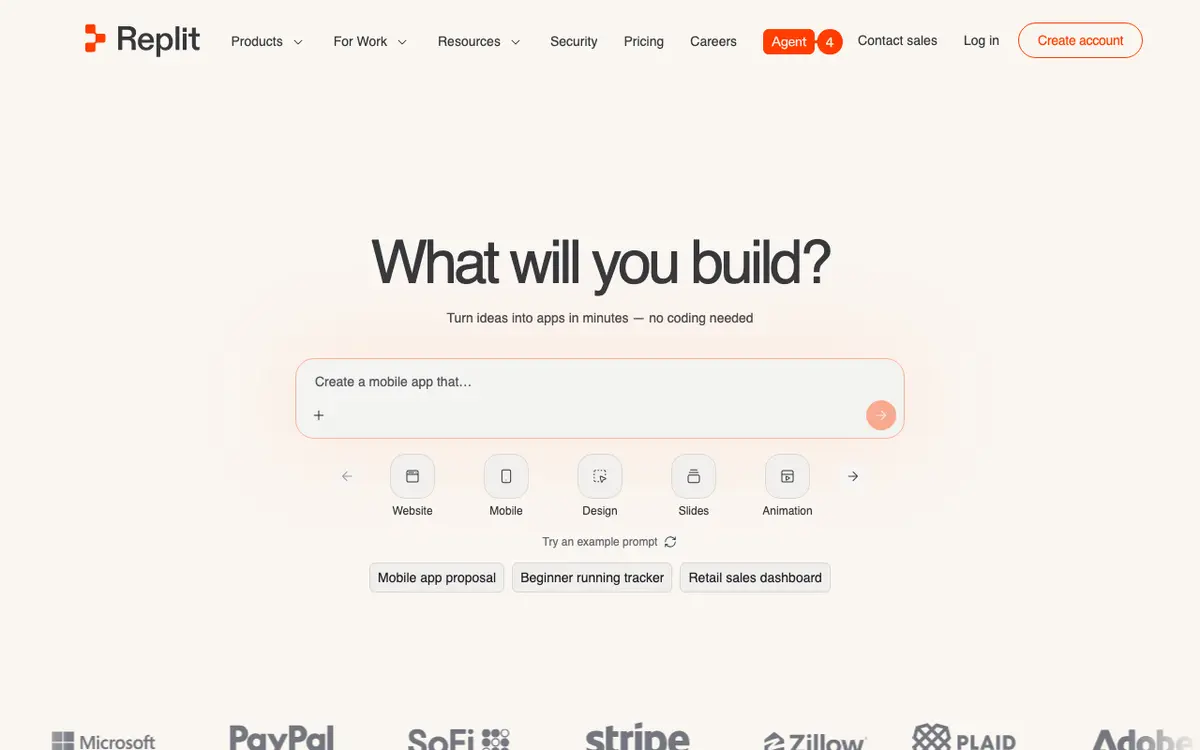
Replit Verifiedfreemium

Collaborative cloud IDE with built-in AI agent

4.9 / 5.0
Replit interface screenshot

Replit provides a comprehensive cloud environment for writing, hosting, and deploying applications. Its AI agent can build entire features or full-stack apps from natural language.

Why Choose Replit
  • Zero-setup cloud environment
  • Powerful AI agent for building apps
  • Seamless deployment
Considerations & Limitations
  • Performance limits on free tier
  • Pricing has become steeper
#5
Cursor AI Verifiedfreemium

The IDE designed for pair programming

4.9 / 5.0
Cursor AI interface screenshot

An AI-powered code editor that can read your entire codebase and provide context-aware fixes and feature implementations.

Why Choose Cursor AI
  • Best-in-class context
  • Intuitive multi-file edits
  • Familiar UI
Considerations & Limitations
  • Desktop only
  • Requires Pro for best models
#6
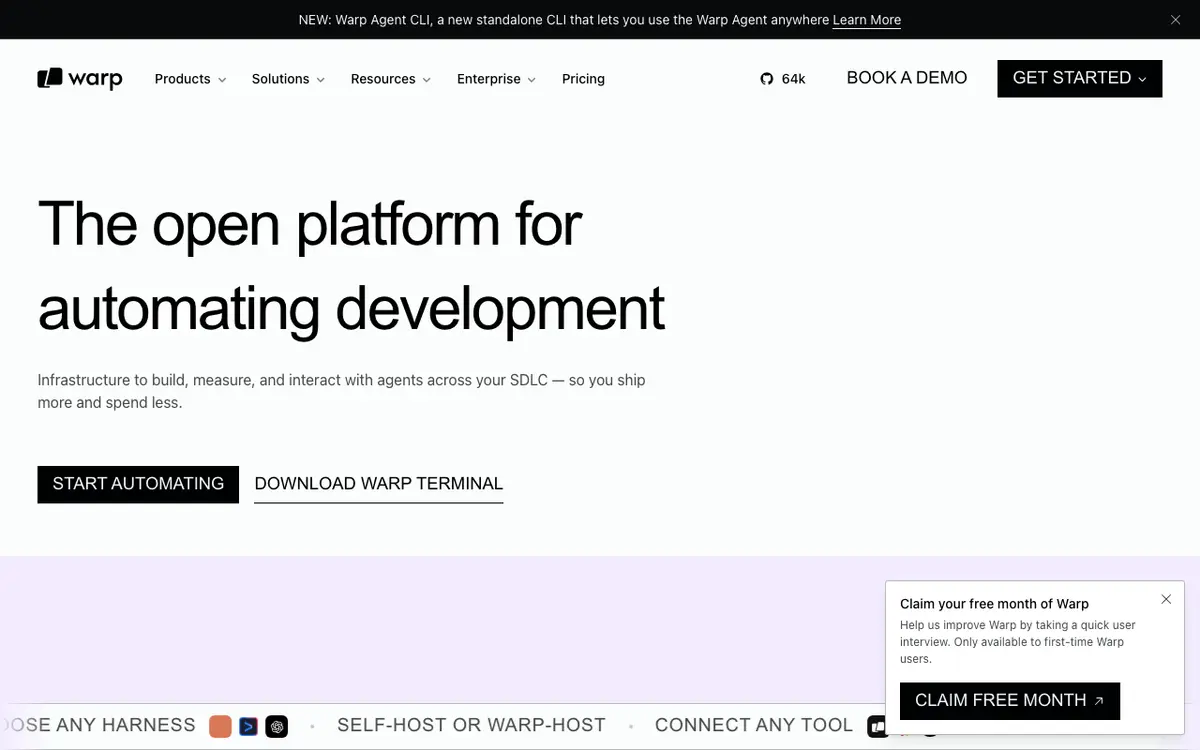
Warp Verifiedfreemium

The terminal for the 21st century

4.9 / 5.0
Warp interface screenshot

A modern, Rust-based terminal with AI built-in to help you find and run commands using natural language.

Why Choose Warp
  • Insanely fast
  • Collaborative command blocks
  • Great AI search
Considerations & Limitations
  • Requires account login
  • macOS/Linux only for now
#7
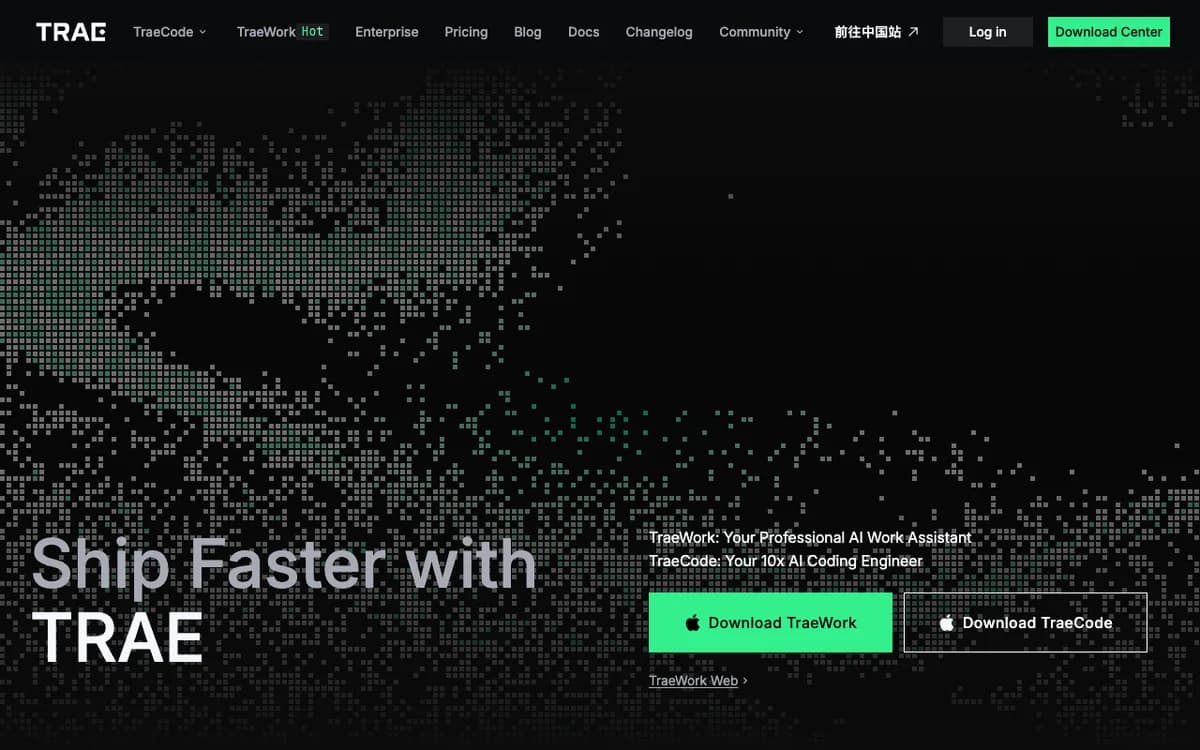
Trae Verifiedfree

Adaptive AI-powered code editor with native agentic workflows

4.8 / 5.0
Trae interface screenshot

Trae is an advanced AI-first integrated development environment (IDE) built by ByteDance to accelerate software development with deep contextual awareness. It integrates frontier AI models, including Claude 3.5 Sonnet and GPT-4o, directly into your coding environment, enabling intelligent code completion, complex refactoring, multi-file codebase generation, and automated debugging. Unlike traditional editor plugins that treat AI as a bolt-on chatbot, Trae embeds AI as a core collaborator. It offers two distinct operational modes: Builder Mode, which orchestrates autonomous multi-step coding tasks across your entire repository, and Chat Mode, which answers deep technical questions with full codebase grounding. Designed for developers, startups, and engineering teams, Trae provides a familiar, blazing-fast VS Code-compatible interface with native terminal integration, git management, and zero subscription costs during its introductory preview.

Why Choose Trae
  • Free unlimited access to frontier models (Claude 3.5 Sonnet & GPT-4o)
  • Native Builder Mode handles complex multi-file repo changes
  • Seamless VS Code extensions and keybindings compatibility
  • Deep semantic codebase indexing for accurate contextual suggestions
Considerations & Limitations
  • Currently in public preview; pricing may change in the future
  • Requires desktop application installation (no web-only editor)

Frequently Asked Questions

Common technical and pricing questions when switching from Windsurf.

Is Windsurf better than Cursor?

Windsurf is praised for its Cascade agentic flow and terminal integration, while Cursor has broader adoption, more mature Composer multi-file diffing, and larger community extensions.

Can I use Windsurf with my own API keys?

Windsurf includes managed credits on its Pro tiers, but developers seeking strict BYOK cost control often pair open-source extensions with their personal API keys.

What is the Devin Desktop rebranding?

Cognition acquired Codeium's Windsurf team to integrate Cascade technology into Devin Desktop, focusing heavily on autonomous software engineering workflows.

Related Technical Guides & Showdowns

Explore More code AI Tools

Browse our complete verified directory of 7,900+ tools.